Message Center
Message Center


Document

- Documentation
 Message CenterGuidesVoice Message Receiving ConfigurationHow to Enter Voice Message Receiving Configuration
 Copy page
 Download PDF
Voice Message Receiving Configuration
How to Enter Voice Message Receiving Configuration
Copy pageDownload PDFHow to Enter Voice Message Receiving Configuration
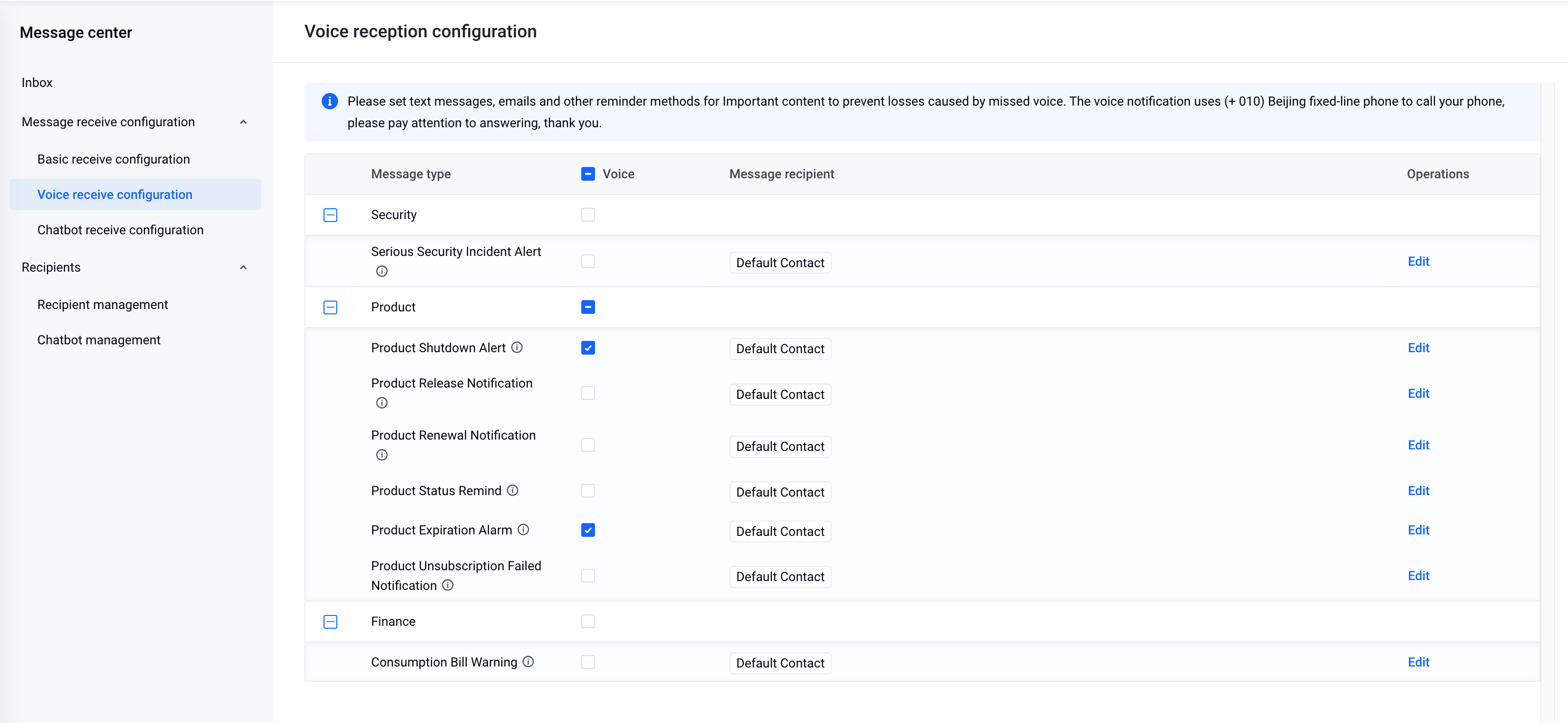
You can enter the Voice message receiving configuration page according to the following procedure:
- Log in to the Volcano Engine console.
- Click the message center icon in the top navigation bar to preview platform messages and then click View more or Message receiving management to enter Message center.
- Click Voice message receiving configuration in the left navigation pane.
Last updated: 2025.03.06 20:36:51
All rights reserved © Beijing Volcano Engine Technology Co., Ltd2024
