Application Performance Management Plus
Application Performance Management Plus


Document

- Documentation
 Application Performance Management PlusUser guideServer monitoringIntegration guideIntegrate .NET applications with OpenTelemetry
 Copy page
 Download PDF
Integration guide
Integrate .NET applications with OpenTelemetry
Copy pageDownload PDFIntegrate .NET applications with OpenTelemetry
.NET applications have different Methods for integration in various scenarios. This article describes the Actions for integrating .NET applications using OpenTelemetry. After integration, you can automatically collect trace information, automatically generate metric, and use features such as trace search, log search, and more.
OpenTelemetry is an observability project under CNCF, aiming to provide standardized solutions in the field of observability. It addresses the standardization of data models, collection, processing, and export of observability data, and offers services independent of third-party vendors.
If your application has already integrated the OpenTelemetry SDK, the APMPlus server side can receive data reported by OpenTelemetry. After integrating with APMPlus, you will gain RED method generation capability, multidimensional trace search, single trace search, topology generation, and more.
tip
Limits
- There are certain restrictions when converting OpenTelemetry metrics to Prometheus metrics:
- As with open source, ExponentialHistogram is not supported.
- Data with aggregation method set to delta is not supported. Do not modify the default aggregation configuration on the SDK side to ensure that the aggregation method on the SDK side is cumulative.
- Each workspace has its own data reporting credentials. To manage and isolate data using workspaces, ensure that the apmplus-opentelemetry-collector component has been upgraded to version v3.1.0 or above.
Data reporting
Method 1: Report directly to the APMPlus server side
Observability data is reported directly to the APMPlus server side, supporting data reporting via grpc, http/protobuf, and other Methods.
Method 2: Otel Collector forwarding [Recommended]
APMPlusOpenTelemetryCollector is a data collector developed by APMPlus based on OpenTelemetryCollector. You can install the Opentelemetry Collector in the cluster for data forwarding. There are two installation Methods:
- Install the apmplus-opentelemetry-collector component via the VKE cluster component center using the one-click installation (also known as blank screen installation). In addition, it is recommended to install the apmplus-server-agent component at the same time to enable metric collection at the host and process levels.
- Manually install using the script provided on the service integration page.
Data Integration
Method 1: Automatic instrumentation
- .NET SDK 6+
- .NET Framework does not currently support automatic instrumentation
- Supported frameworks
- Develop web applications using ASP.NET Core.
- Create a demo application.
- Replace the contents of the Properties/launchSettings.json file with the following configuration.
- Build the application.
- Configure automatic instrumentation for the application.
- Unix-shell
- Download and execute the OpenTelemetry .NET automatic instrumentation installation script.
- Set environment variables and run the OpenTelemetry .NET automatic instrumentation script.
tip
- <service_name> Enter the service name, which will be displayed in the APMPlus service list.
- <protocol> It is recommended to use grpc.
- <apmplus_endpoint> The address varies depending on region (Shanghai, Beijing, and so on) and network type (public, private). For details, see the APMPlus service access page to obtain the specific endpoint.
- <app_key> Enter the app_key provided by the service access console. The app_key for each workspace is different. For instructions on how to obtain it, see How to obtain the AppKey for application performance monitoring?.
- For more environment variable configuration options for OpenTelemetry .NET automatic instrumentation, see OpenTelemetry .NET automatic instrumentation environment variables.
- PowerShell
- Download and execute the OpenTelemetry .NET automatic instrumentation installation script.
- Set environment variables and run the OpenTelemetry .NET automatic instrumentation script.
tip
- <service_name> Enter the service name, which will be displayed in the APMPlus service list.
- <protocol> It is recommended to use grpc.
- <apmplus_endpoint> The address varies depending on region (Shanghai, Beijing, and so on) and network type (public, private). For details, see the APMPlus service access page to obtain the specific endpoint.
- <app_key> Enter the app_key provided by the service access console.
- For more environment variable configuration options for OpenTelemetry .NET automatic instrumentation, see OpenTelemetry .NET automatic instrumentation environment variables.
- Run and access the application.
- Run the application.
- Use the following command to access the application. The generated trace will be automatically uploaded to APMPlus.
Method 2: Semi-automatic instrumentation
- Supported versions:
- .NET ≥ 5.0
- .NET Core ≥ 2.0
- .NET Framework ≥ 4.6.1
OpenTelemetry supports automatic upload of trace data for dozens of .NET frameworks. For a detailed list of .NET frameworks, see Supported Libraries.
- Create an ASP.NET Core application (web application).
Replace <your-project-name> with the actual application name.
- Download the required OpenTelemetry dependencies for observing .NET applications.
- Download the automatic instrumentation dependencies.
Download the dependencies for automatic instrumentation of the ASP.NET Core framework. When the application receives an HTTP request, a Span will be automatically generated and reported. To enable automatic instrumentation for other frameworks, see Supported Libraries to download the corresponding dependencies.
- Modify the code in the <your-project-name>/Program.cs file.
- Import the required packages at the beginning of the source file.
- Add OpenTelemetry initialization code.
- Report using the gRPC protocol.
- Please replace <grpc_endpoint> and <token> in the following code with the access point information and Token obtained from the prerequisites.
tip
- <service_name> Enter the service name. It will be displayed in the service list of APMPlus.
- <apmplus_endpoint> The address varies depending on the region (Shanghai, Beijing, and so on) and network type (public network, private network). For details, go to the apmplus service access page to obtain the specific endpoint.
- <app_key> Enter the app_key provided by the service access console.
- Run the following command in the terminal to start the project.
Sample response:
Obtain the URL from the response information, for example, http://localhost:5107.
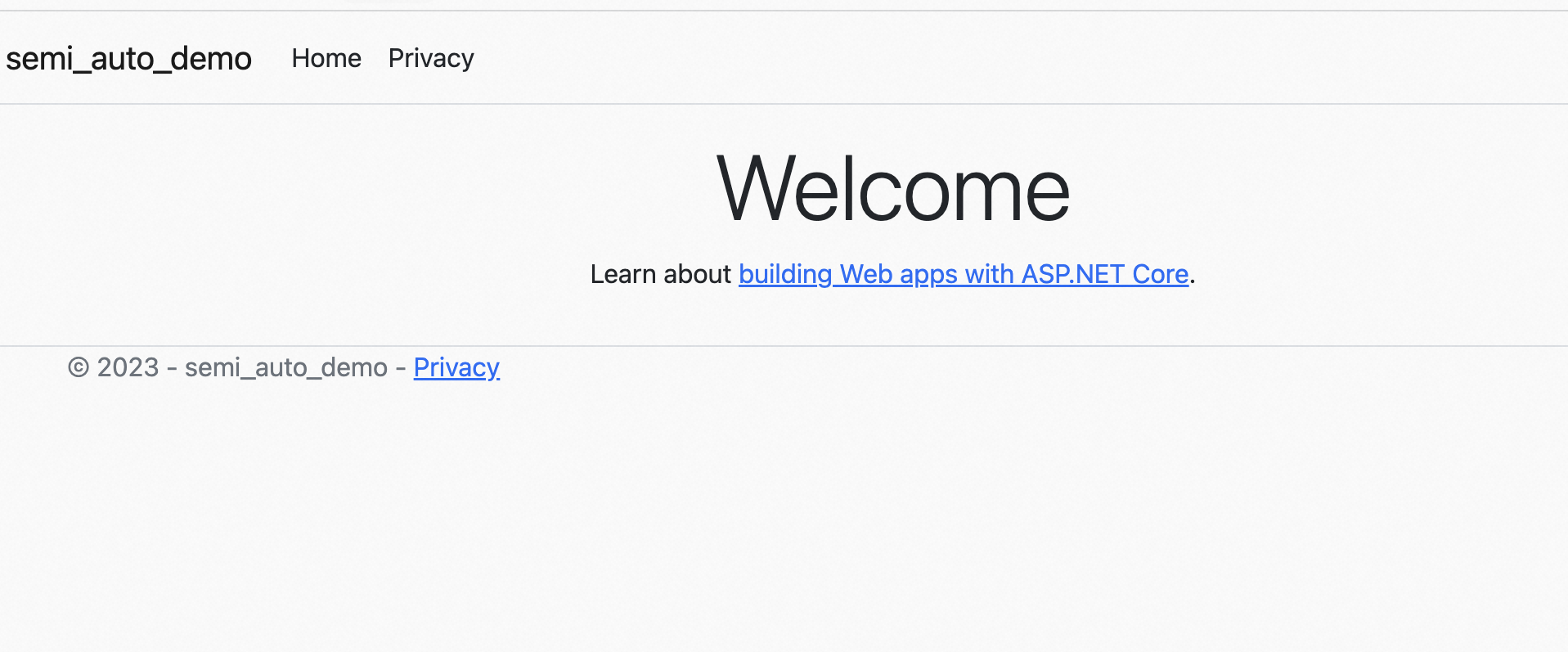
- Visit http://localhost:5107 in your browser. If the following page is returned, it indicates that the data has been reported to APMPlus.
Last updated: 2026.06.09 16:53:29
All rights reserved © Beijing Volcano Engine Technology Co., Ltd2024
