Certificate Center
Certificate Center


Document

- Documentation
 Certificate CenterSSL CertificateUser guideCertificate toolGenerate CSR
 Copy page
 Download PDF
Certificate tool
Generate CSR
Copy pageDownload PDFGenerate CSR
The CSR Generation tool helps you quickly generate a Certificate Signing Request (CSR) and its corresponding private key. Simply provide the necessary application information, e.g., domain name, company name, encryption algorithm, and key length, to generate the required files with a single click.
tip
You can use all certificate tools provided by Certificate Center for free without logging into a VolcanoEngine account.
Application scenarios
You must generate a Certificate Signing Request (CSR) before applying for an SSL certificate. A CSR file contains the applicant's public key and identity information. It is the core file submitted to a Certificate Authority (CA) for certificate issuance. You can use this tool to generate a CSR and a private key. Then, submit the CSR file to the certificate application system and ensure you store your private key file securely.
Supported encryption algorithms
This tool supports the following encryption algorithms. You can select an appropriate algorithm and key strength based on your requirements:
Procedure
- Visit the CSR Generation Tool.
- In the Basic information section, fill in the required information and click Generate CSR.
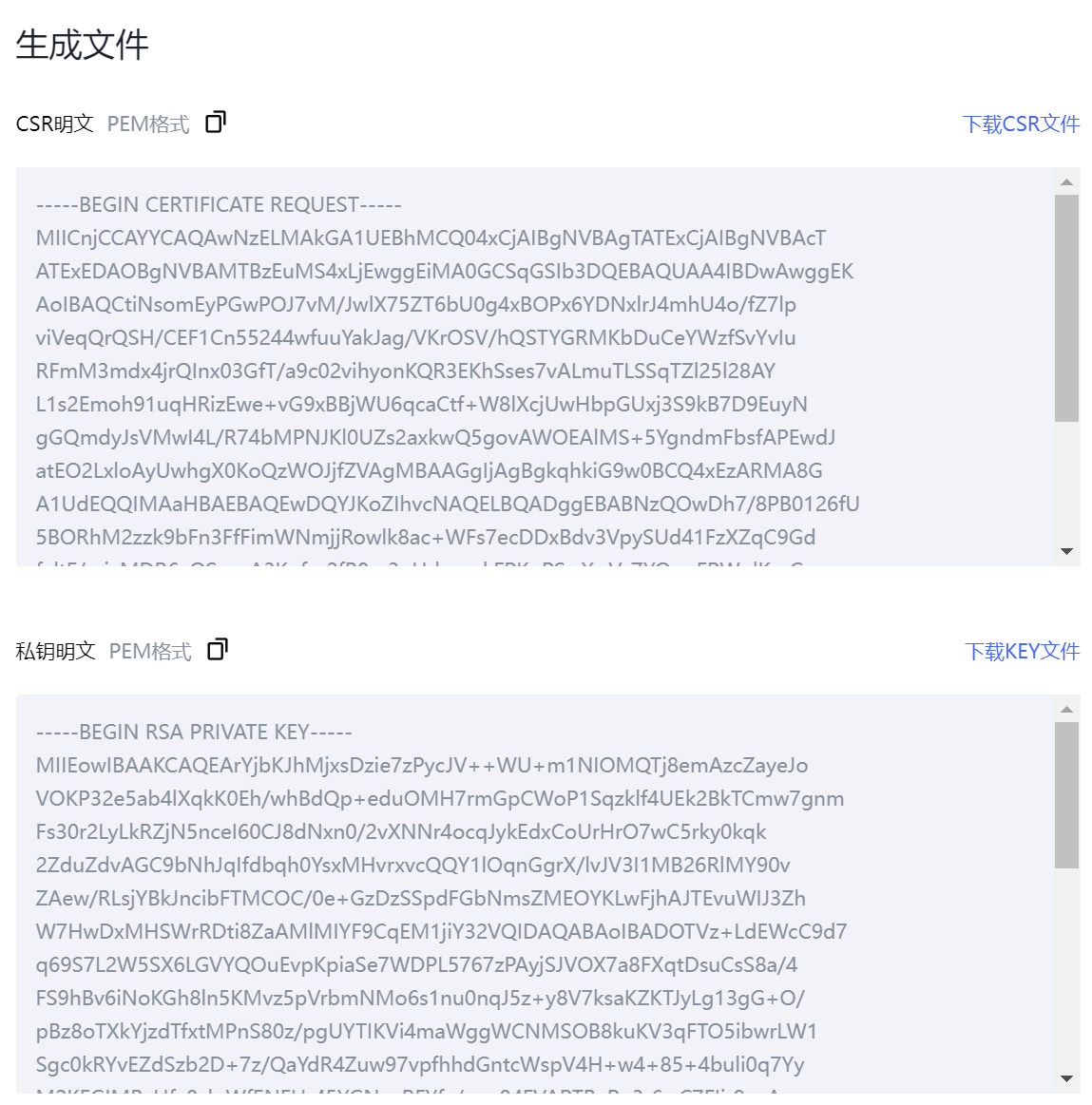
- In the Generated Files section, view and get the generated CSR and Private Key.
- The tool displays the CSR and Private Key content in PEM-encoded plaintext format. You can click the Copy icon to copy the code or click the Download button to save the file locally.
warning
Keep your Private Key secure. A leaked Private Key can lead to the unauthorized use of your certificate, posing a severe security risk.
-
Last updated: 2026.04.01 10:51:37
All rights reserved © Beijing Volcano Engine Technology Co., Ltd2024
