Server Migration Center
Server Migration Center


Document

- Documentation
 Server Migration CenterTroubleshootingHow to troubleshoot startup failure after migrating a server in UEFI boot mode to a 3rd-generation ECS instance via file-level replication?
 Copy page
 Download PDF
Troubleshooting
How to troubleshoot startup failure after migrating a server in UEFI boot mode to a 3rd-generation ECS instance via file-level replication?
Copy pageDownload PDFHow to troubleshoot startup failure after migrating a server in UEFI boot mode to a 3rd-generation ECS instance via file-level replication?
Issue description
When a source server with UEFI boot mode is migrated to a 3rd-generation DPU instance on the VolcanoEngine platform (for example, General-purpose g3i, General-purpose g3a, or Local-SSD i3s), the destination instance cannot start properly. The system boot process stalls and displays a grub> or Shell> prompt.
- Sample 1
-
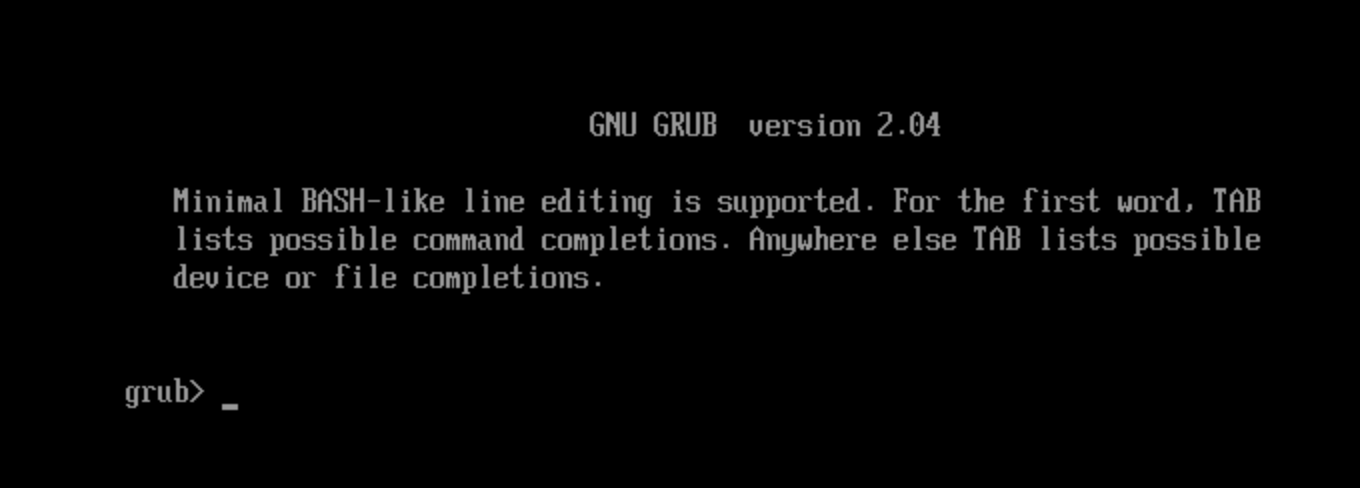
- Sample 2
-
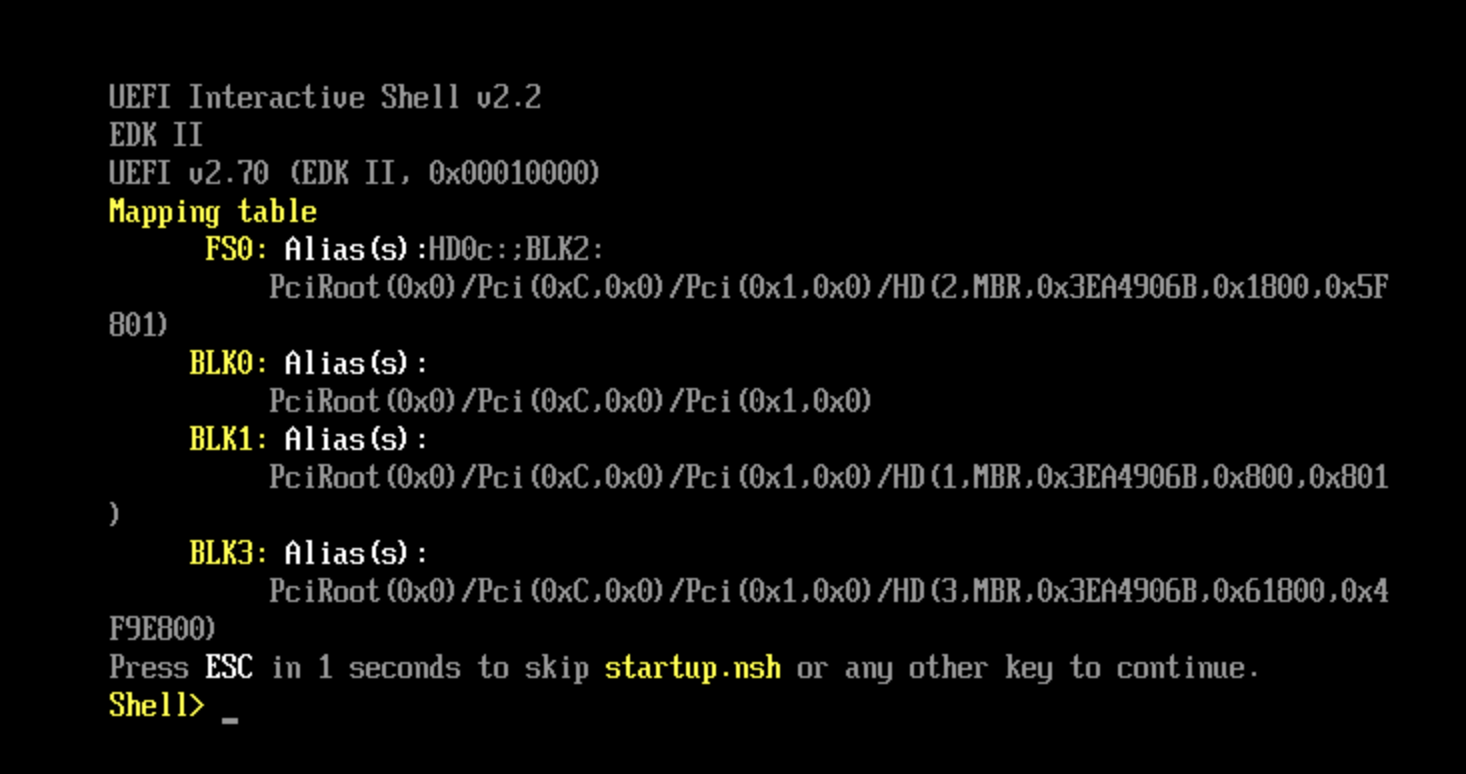
Solution
- Log in to the faculty VolcanoEngine instance via VNC. For detailed operations, refer to Using the console to log in to a Linux instance.
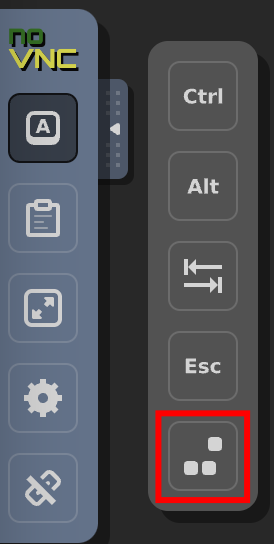
- Restart the instance via the toolbar on the right side of the screen.
-
- During the initial boot screen, immediately press and hold the esc key to access the BIOS setup utility.
-

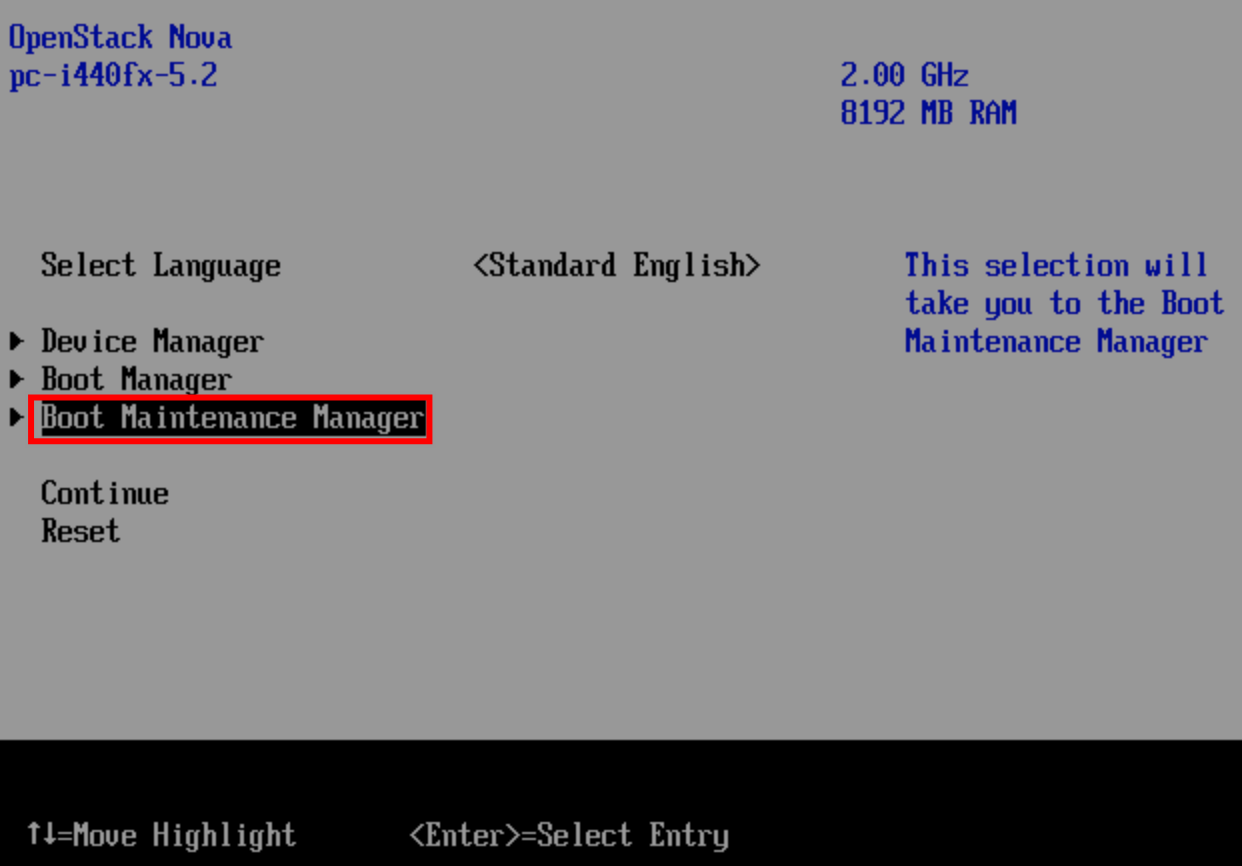
- Use the arrow keys to select Boot Maintenance Manager and press Enter to confirm.
-
- In the BIOS, use the arrow keys to select Boot From File and press Enter to confirm.
-
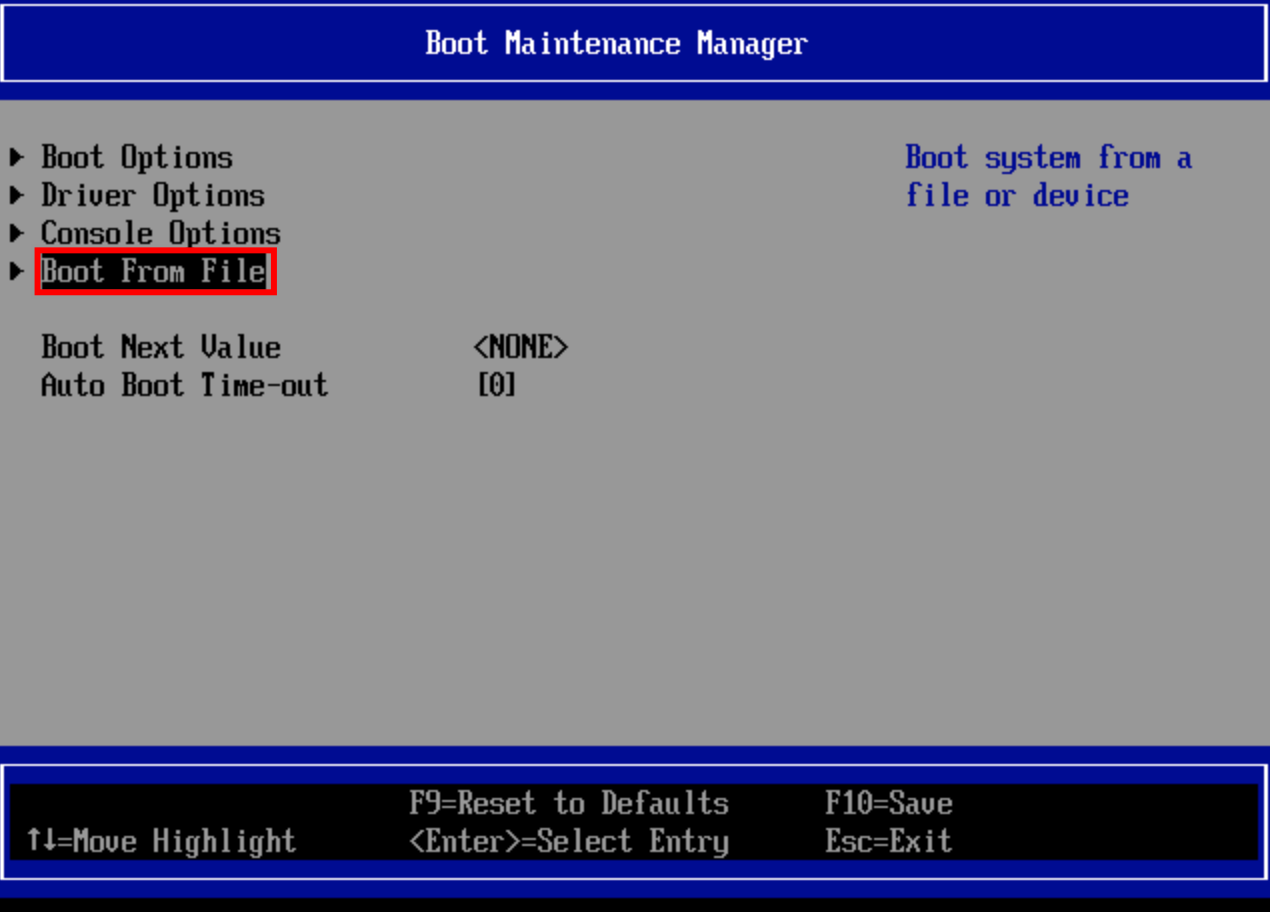
- On the "File Explorer" page, press Enter to confirm.
-
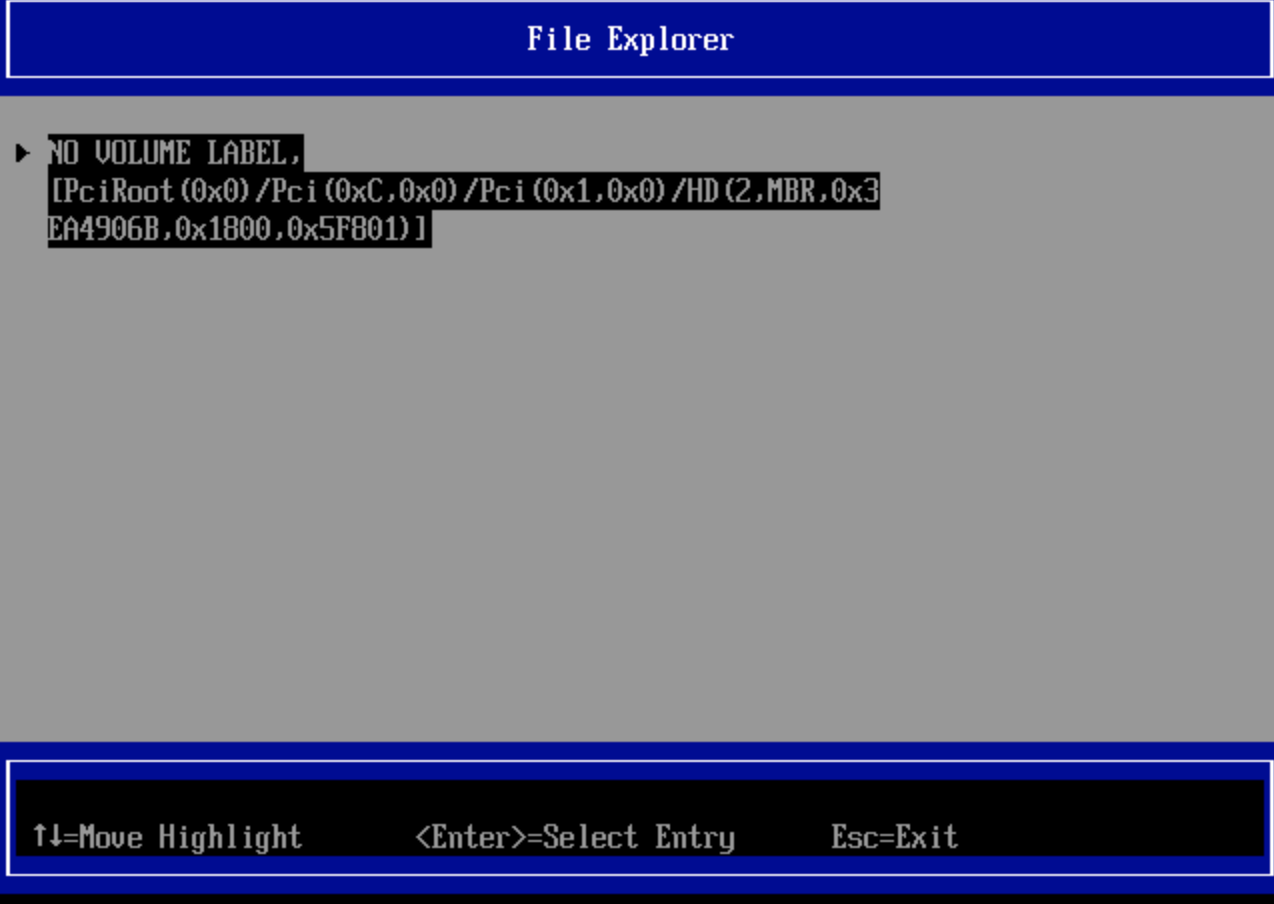
- Use the arrow keys to select EFI and press Enter to confirm.
-
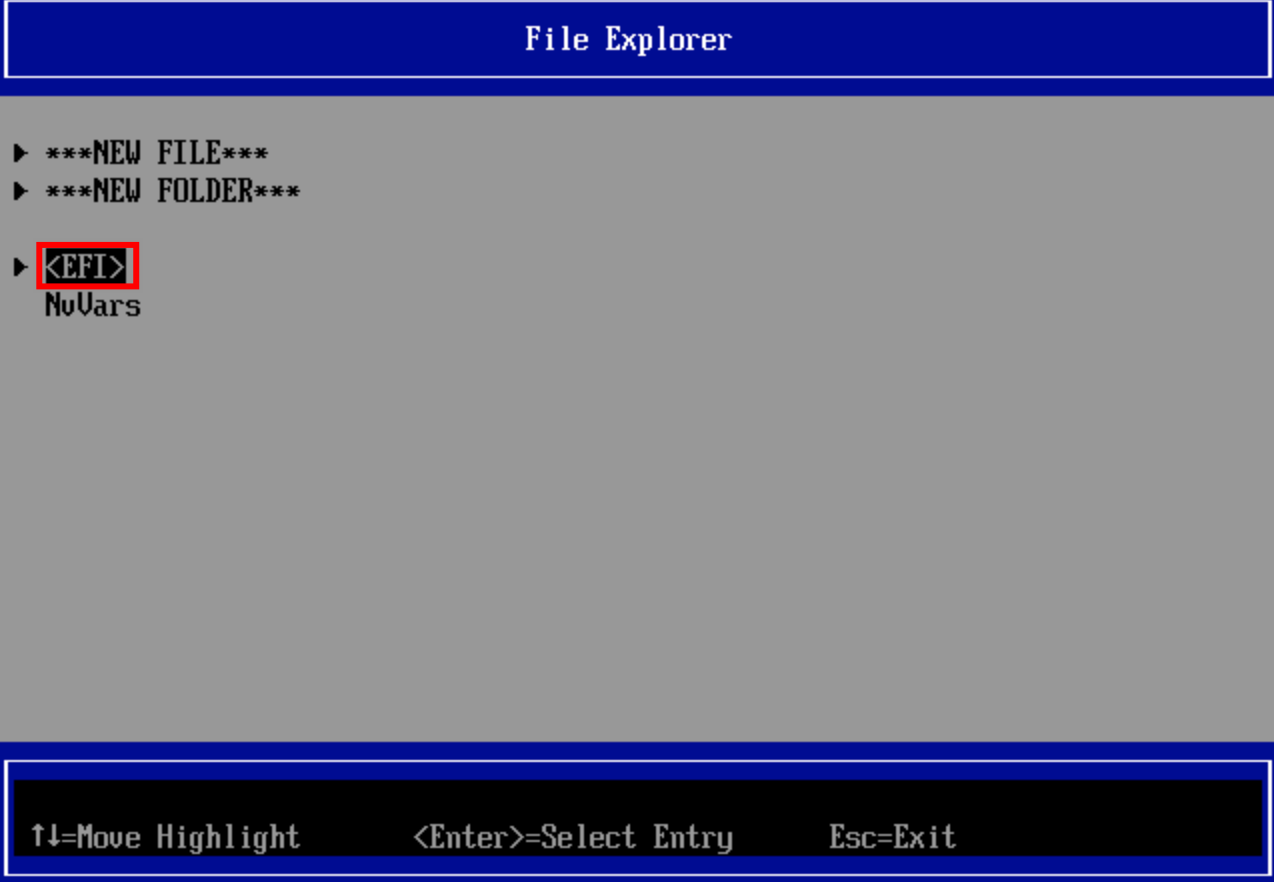
- Use the arrow keys to select the operating system used by the current instance (here, Ubuntu is used as an example), and press Enter to confirm.
-
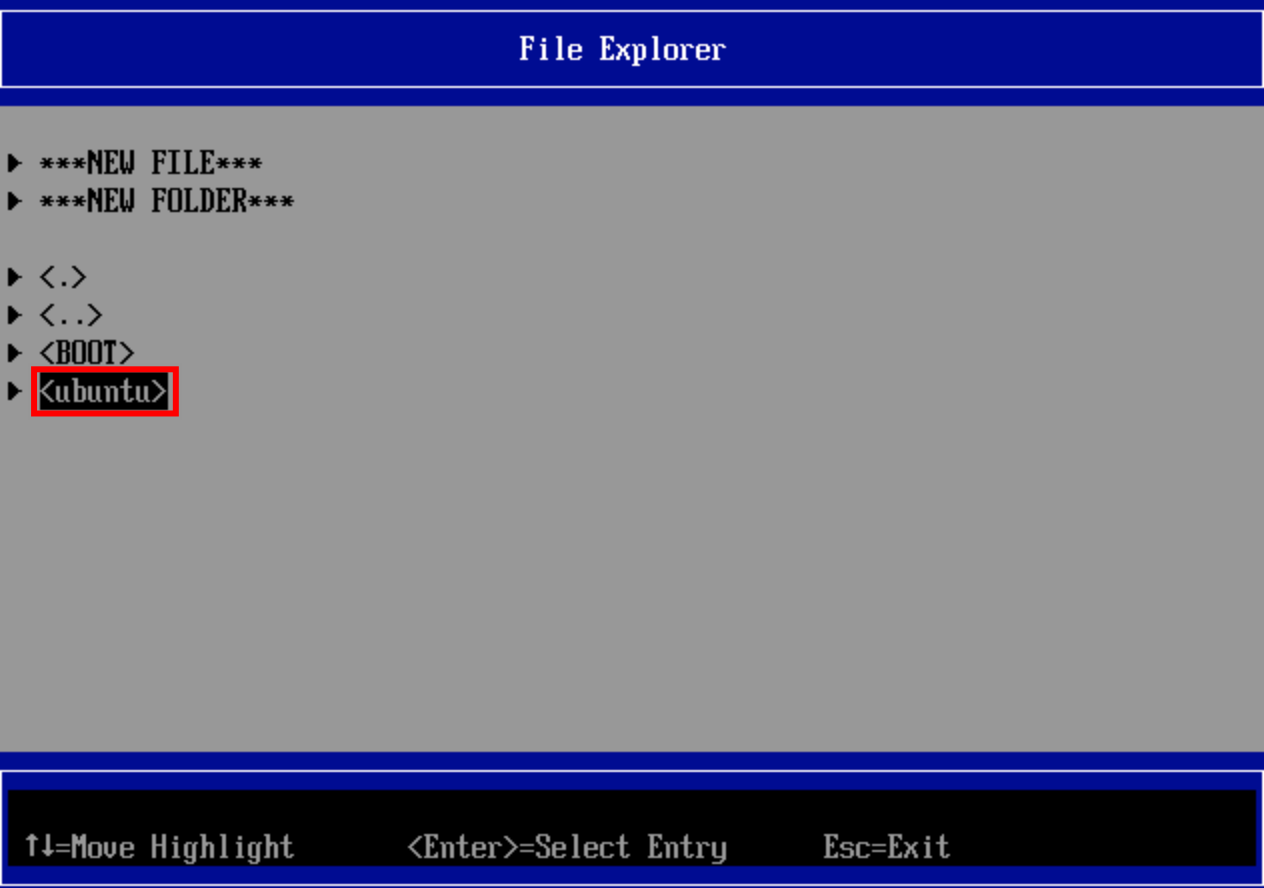
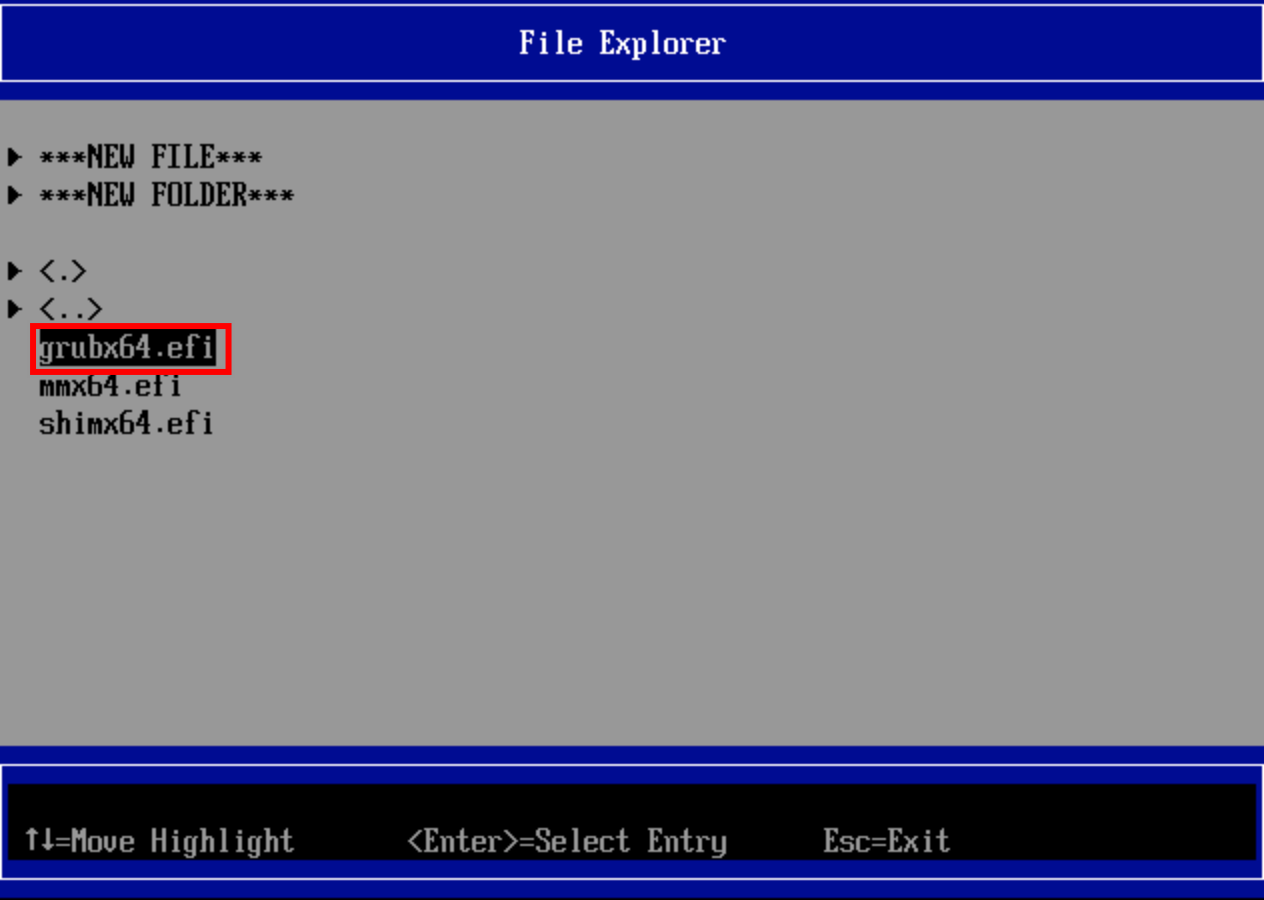
- Use the arrow keys to select grubx64.efi and press Enter to confirm.
-
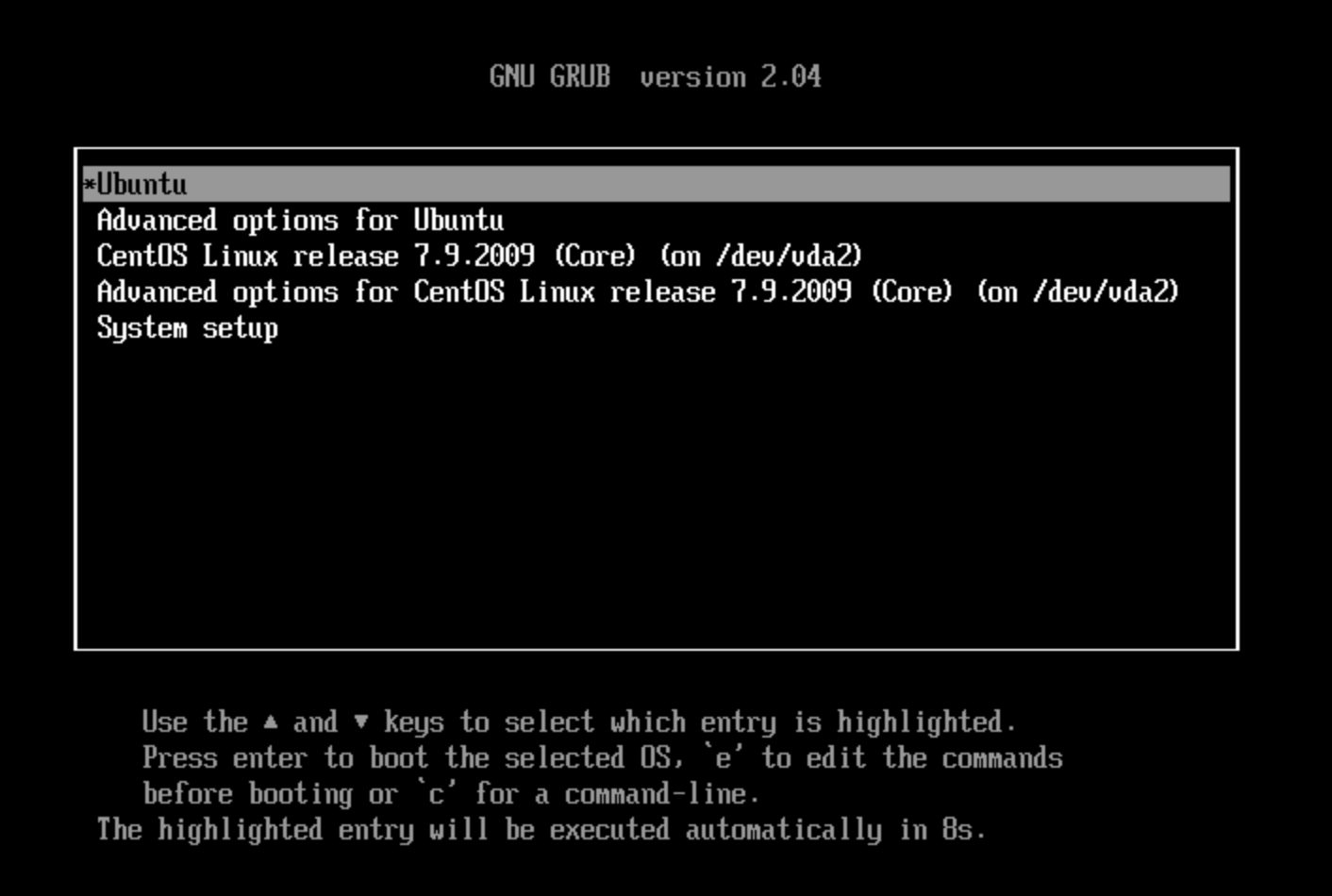
- On the "GNU GRUB" page, press Enter to confirm.
-
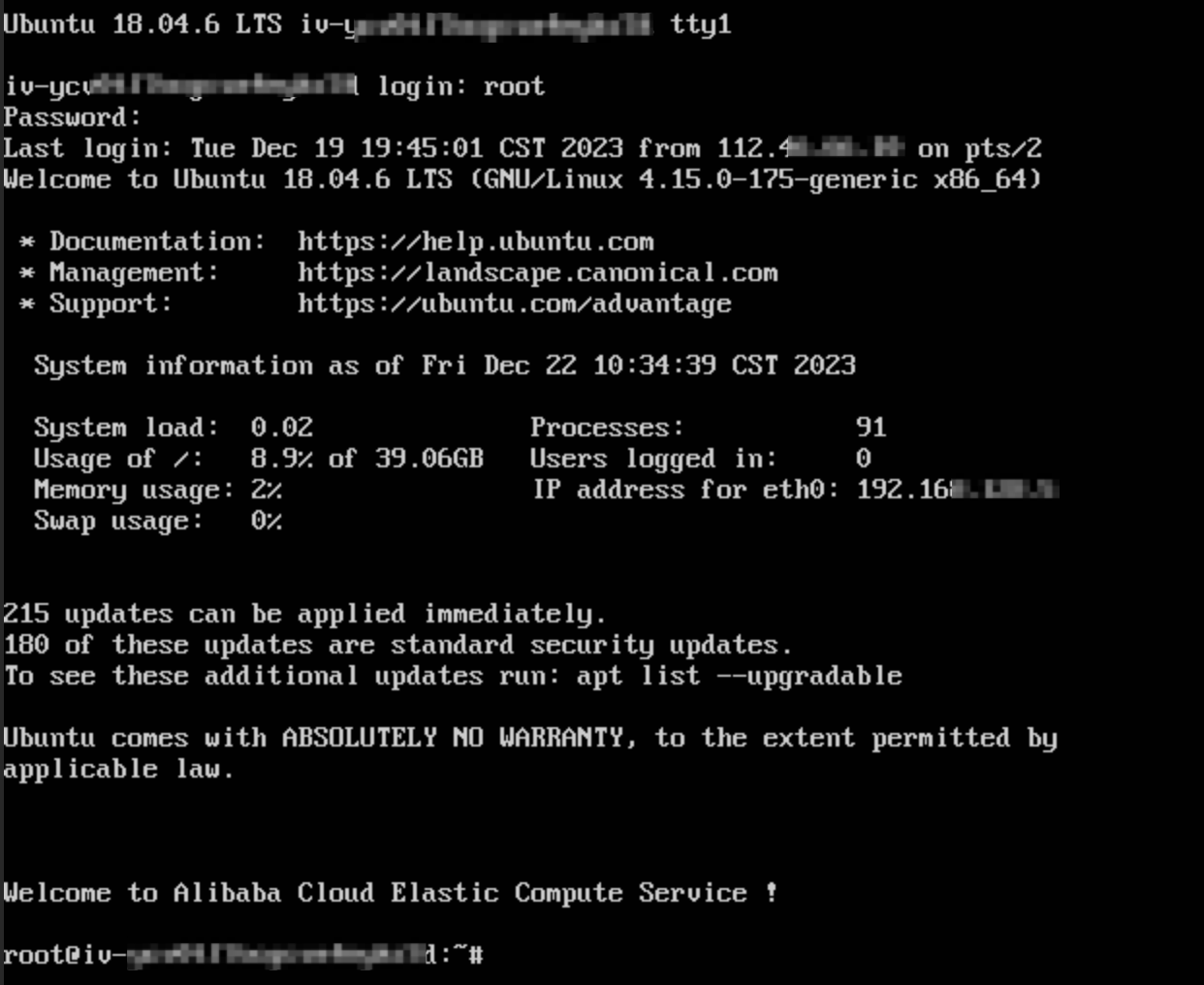
- Use your login credentials to log in to the instance.
-
- Execute the following command to fix the issue.
-
- After the script execution is complete, execute the following command to restart the instance to verify whether the instance can start as expected.
-
Last updated: 2026.01.07 15:11:32
All rights reserved © Beijing Volcano Engine Technology Co., Ltd2024
