Cloud Monitor
Cloud Monitor


Document

- Documentation
 Cloud MonitorUser GuideCloud Service MonitorOther cloud service monitoring
 Copy page
 Download PDF
Cloud Service Monitor
Other cloud service monitoring
Copy pageDownload PDFOther cloud service monitoring
Overview
After you activate Cloud Monitor and integrate cloud services with Cloud Monitor, when you create an instance of one of the cloud services (excluding ECS), the instance will be automatically integrated with Cloud Monitor in the same region by default. Then, you can view the corresponding monitoring information in the console of the cloud service or the Cloud Monitor console.
Monitoring example
For example, after you create a Torch Object Storage (TOS) instance in the TOS console,
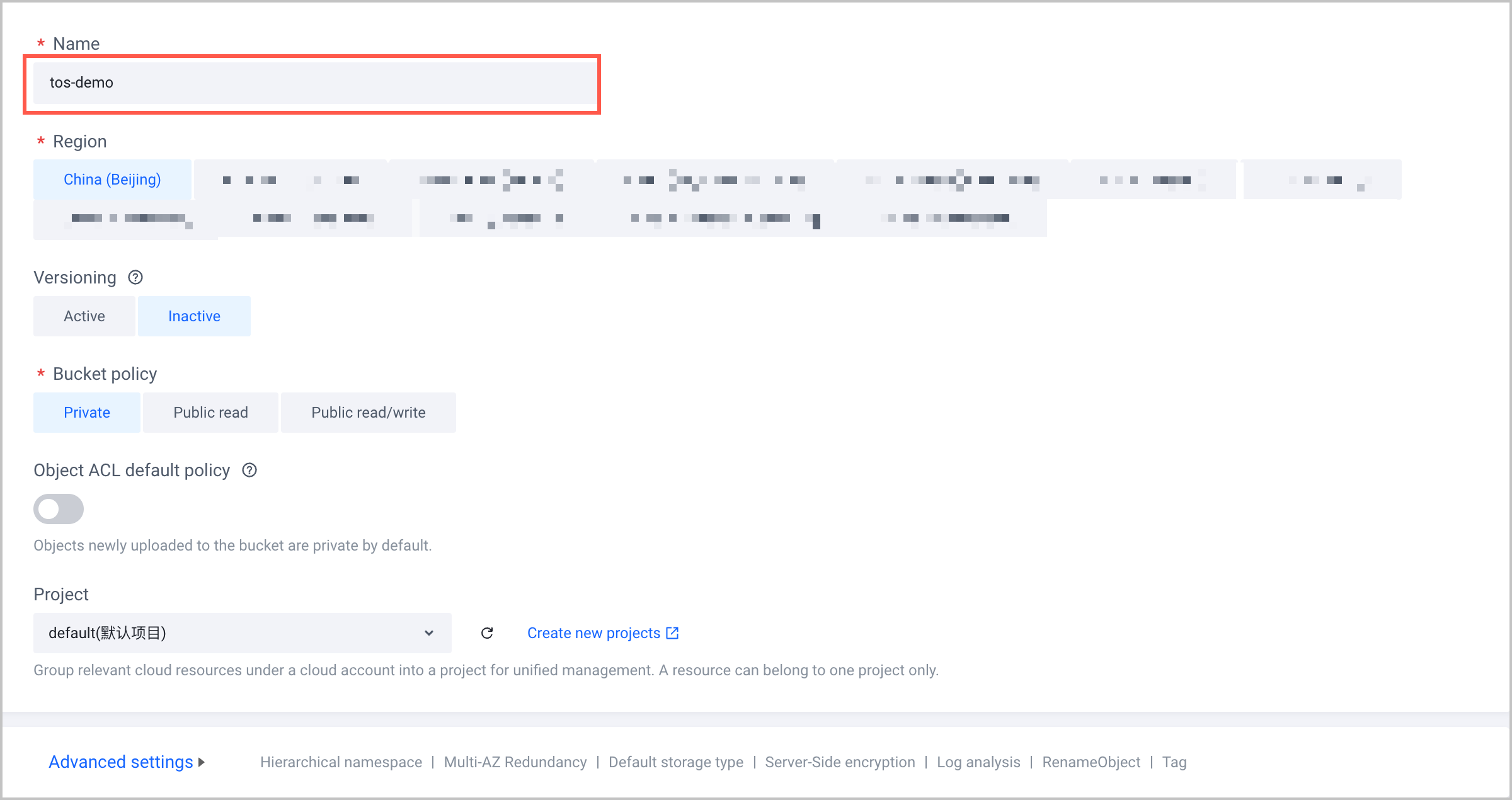
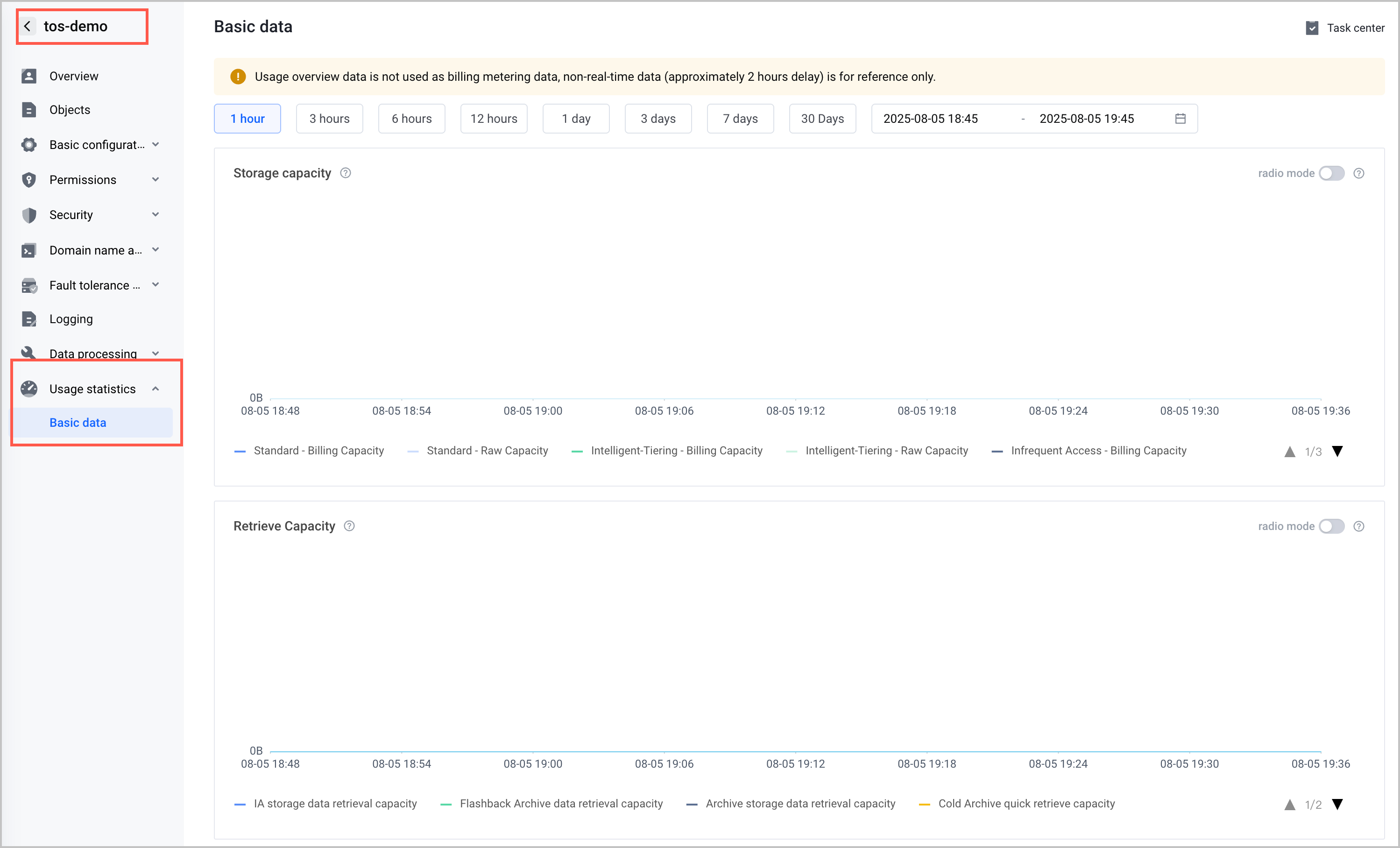
the created TOS instance is automatically integrated with Cloud Monitor by default. You can view the monitoring information about the instance in the TOS console and Cloud Monitor console.
- View monitoring information in the TOS console.
- View monitoring information in the Cloud Monitor console.
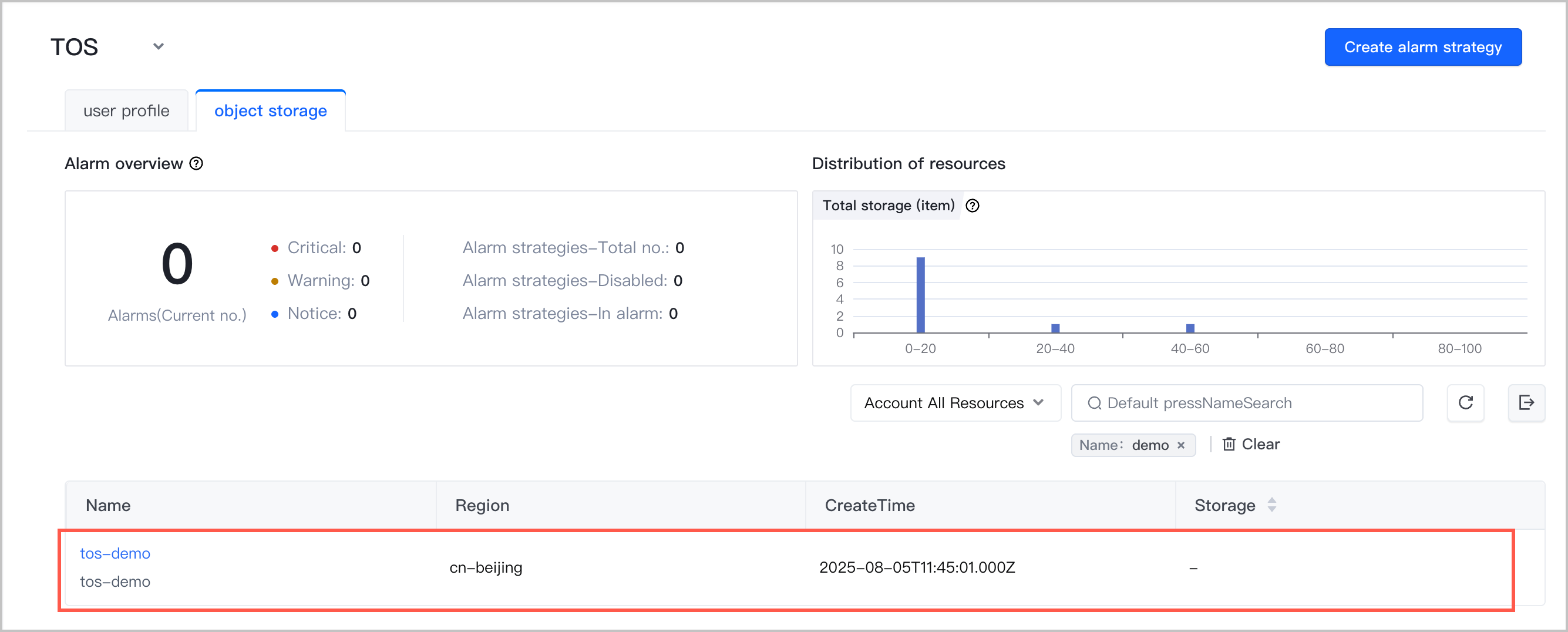
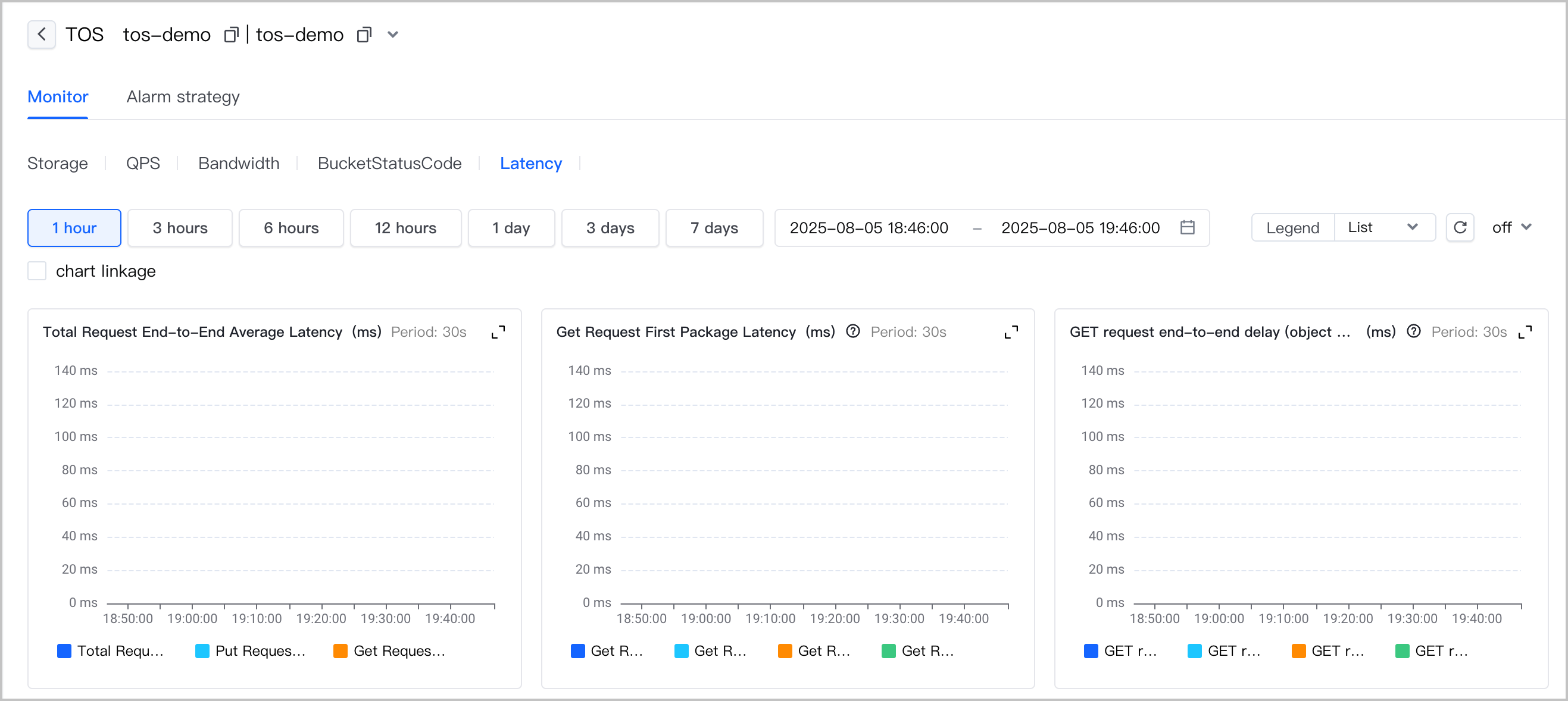
Click the instance name to view the monitoring details of the instance.
Last updated: 2026.03.27 11:34:26
All rights reserved © Beijing Volcano Engine Technology Co., Ltd2024
