Cloud Monitor
Cloud Monitor


Document

- Documentation
 Cloud MonitorTroubleshootingFailure to install the monitoring add-on
 Copy page
 Download PDF
Troubleshooting
Failure to install the monitoring add-on
Copy pageDownload PDFFailure to install the monitoring add-on
Issue description
If the DNS server addresses used by the VPC where the target instance is located are not the default addresses provided by the platform, the monitoring add-on cannot be installed. The error message is as follows:
Could not resolve host: tos-s3-cn-beijing.ivolces.com; Unknown error
Solution
Log in to the ECS instance and run the cat /etc/resolv.conf command to view the DNS server addresses.
- If the default DNS server addresses are used, the response is as follows.
-
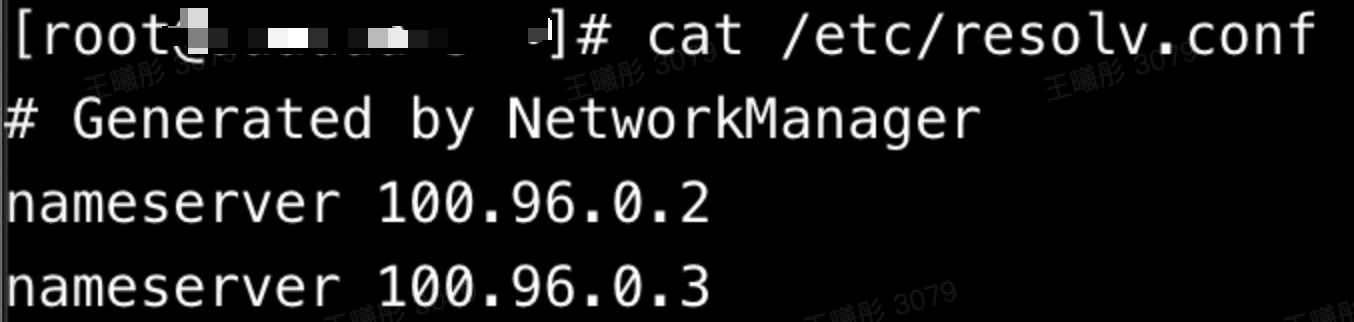
- If the default DNS server addresses are not used, modify the DNS server addresses of the VPC and then reinstall the monitoring add-on. For details, see Custom VPC DNS.
Last updated: 2026.03.27 11:34:30
All rights reserved © Beijing Volcano Engine Technology Co., Ltd2024
