Volcano Engine Function as a Service
Volcano Engine Function as a Service


Document

- Documentation
 Volcano Engine Function as a ServiceUser guideApplication centerApply a templateWeb serviceDeploying an Express.js application with a few clicks
 Copy page
 Download PDF
Web service
Deploying an Express.js application with a few clicks
Copy pageDownload PDFDeploying an Express.js application with a few clicks
This topic describes how to deploy an Express application with a few clicks via the veFaaS application center.
Background information
- Application introduction
- Uses a custom Native runtime to quickly deploy an Express application that users can access over the public network. After deployment, users can access the application through the domain name provided by the API Gateway trigger.
- Runtime
- Native runtime
- Associated cloud services
- veFaaS: Uses the corresponding runtime template to build a web application.
- API Gateway: Uses the gateway service to expose the public domain name of the web application.
Prerequisites
- All the cloud services associated with the application have been activated.
- The VeFaaSFullAccess, APIGFullAccess, and STSAssumeRoleAccess policies have been attached to Identity and Access Management (IAM) users. If one of the preceding policies is not attached, contact the root user or the administrator for authorization. For specific operations, refer to Creating a user and granting permissions.
- An APIG instance has been created in APIG. For detailed operations, see Creating instances.
- If you use veFaaS for the first time, make sure that the cross-service authorization is complete. If the authorization is not complete, the cross-service authorization page will appear, which provides guidance on authorization.
Procedure
- Log in to the veFaaS console.
- In the top navigation bar, select the target region.
- In the left navigation bar, click App.
- On the My app page, click Create app.
- On the Create application page, select the Express template and click Create.
- On the Create App page, specify the following information as required.
- Basic information
-
- Advanced settings
-
- Click Confirm to create and deploy the application. The system will automatically redirect to the application details page and display the application deployment logs in real time.
Validating results
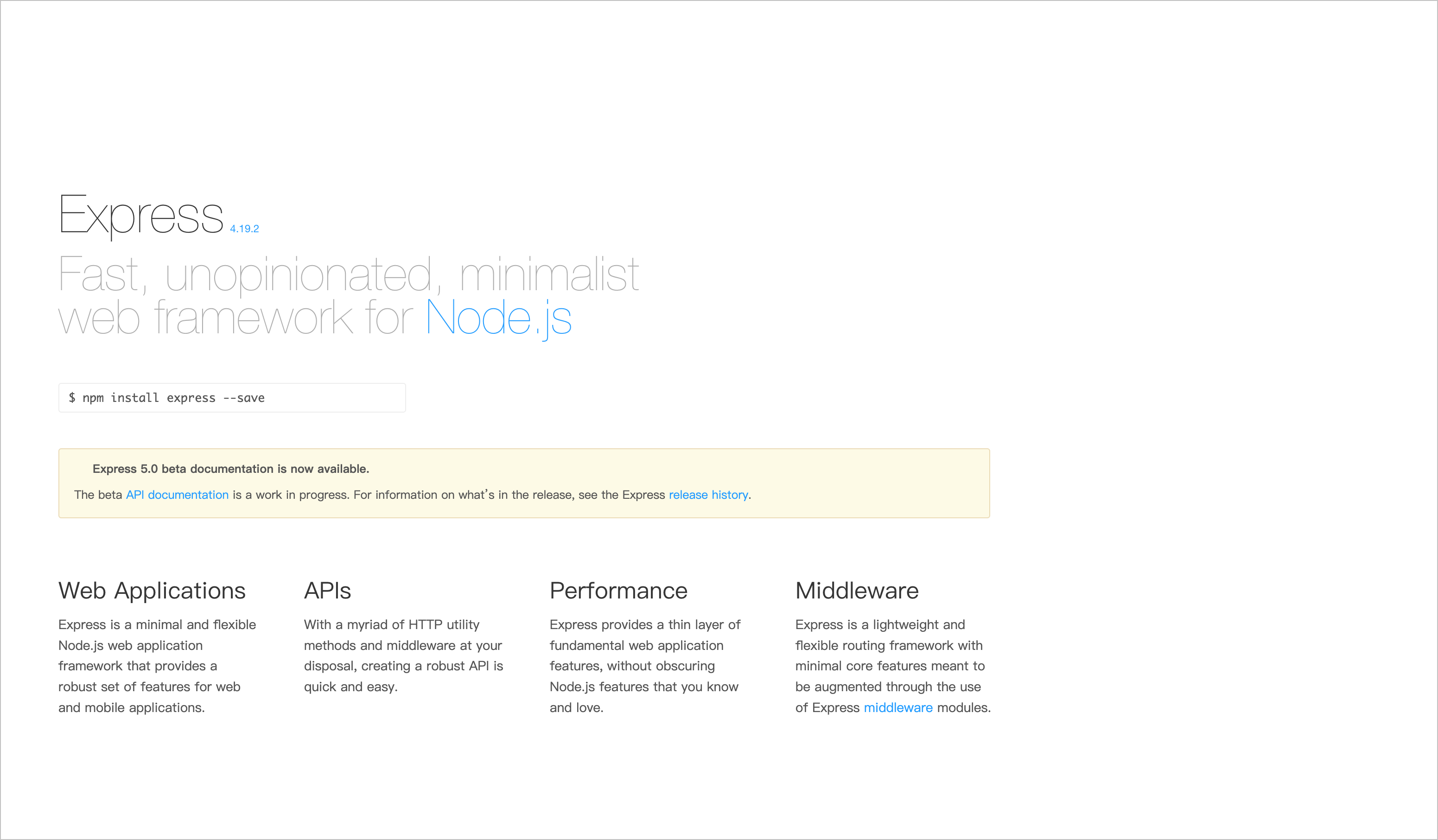
After the application is successfully deployed, in the cloud resources list, click the access address under the API Gateway to access the HTML page returned by the Express application.
What to do next
This topic only demonstrates the simplest example of deploying an Express application. If you wish to perform secondary development on the application, refer to the following steps.
- In the cloud resources list on the application details page, click the + next to veFaaS to view the function information corresponding to the application.
- Click the function name to go to the function details page.
- Switch to the Code tab. Edit the function code and publish a new version of the function without redeploying the application.
- The code structure is as follows:
-
Last updated: 2026.08.19 14:06:07
All rights reserved © Beijing Volcano Engine Technology Co., Ltd2024
