ArkClaw Enterprise
ArkClaw Enterprise


Document

- Documentation
 ArkClaw EnterpriseArkClawConsole user guideUsage TipsAdvanced featuresAccessing ArkClaw from terminals
 Copy page
 Download PDF
Advanced features
Accessing ArkClaw from terminals
Copy pageDownload PDFAccessing ArkClaw from terminals
You can access ArkClaw from terminals and use Shell commands to perform various operations (such as viewing directories and files in the current path, creating tasks, and so on). This is suitable for technical developers who require advanced usage of ArkClaw.
warning
To use a terminal to access ArkClaw, ensure that you have completed Volcano Engine account real-name authentication.
Procedure
- Log in to the ArkClaw console.
- Switch to the target ArkClaw page, click “··· > View terminal” to enter the terminal page.
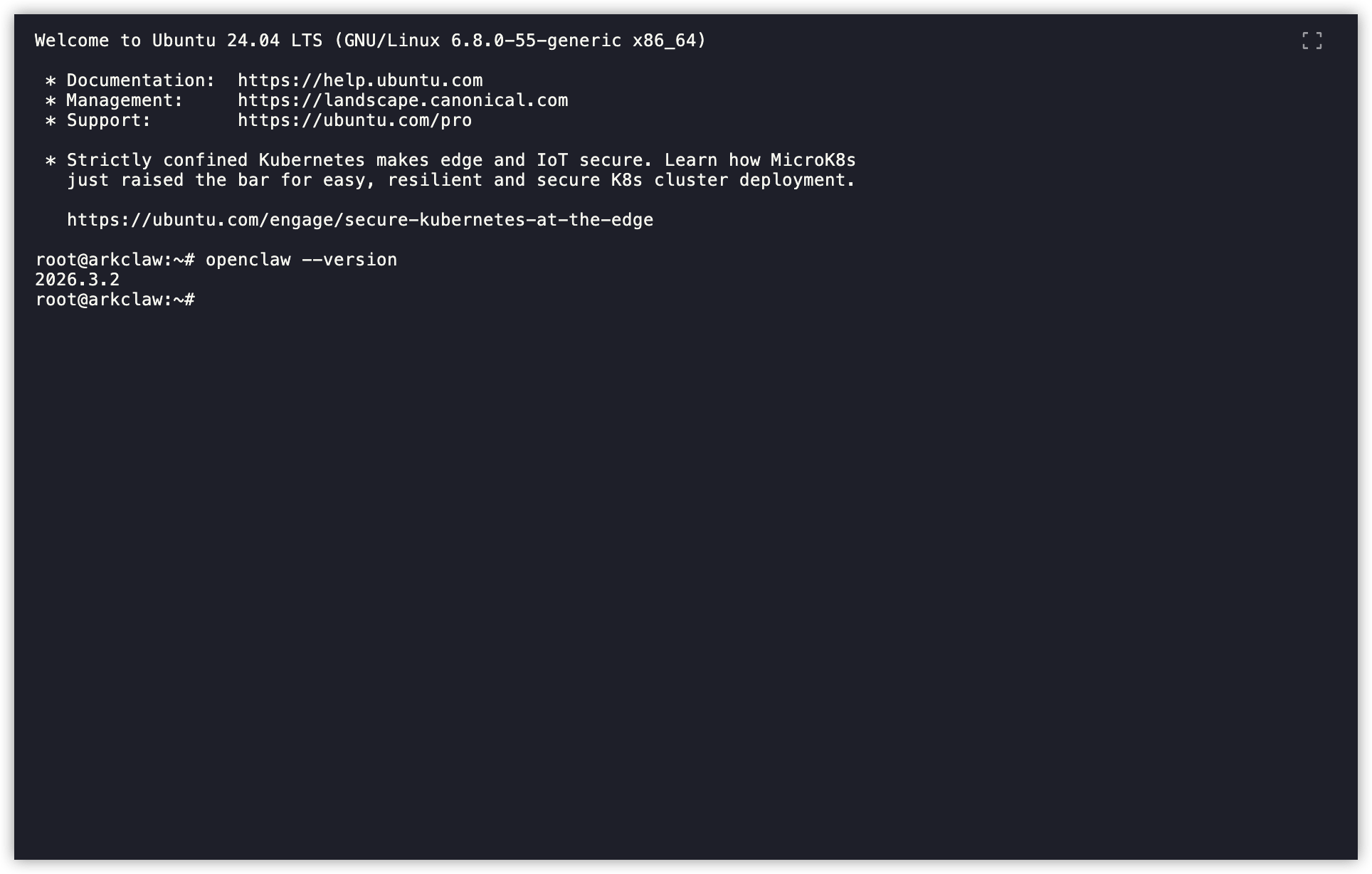
- Enter the specified command and execute it to complete the corresponding operation. For example:
- Execute the following command to view the current OpenClaw version.
-
-
Last updated: 2026.07.02 14:27:40
All rights reserved © Beijing Volcano Engine Technology Co., Ltd2024
