ArkClaw Enterprise
ArkClaw Enterprise


Document

- Documentation
 ArkClaw EnterpriseArkClawBillingInstructions on renewal
 Copy page
 Download PDF
Billing
Instructions on renewal
Copy pageDownload PDFInstructions on renewal
To ensure your ArkClaw can be used continuously for a long period, renew it before expiration to extend its validity.
Considerations
For the ArkClaw (default name: ArkClaw) granted as a trial benefit when an Agent Plan/Coding Plan is subscribed to, the renewal rules are as follows:
Procedure
- Log in to the ArkClaw console.
- Follow the steps below to enter the renewal page.
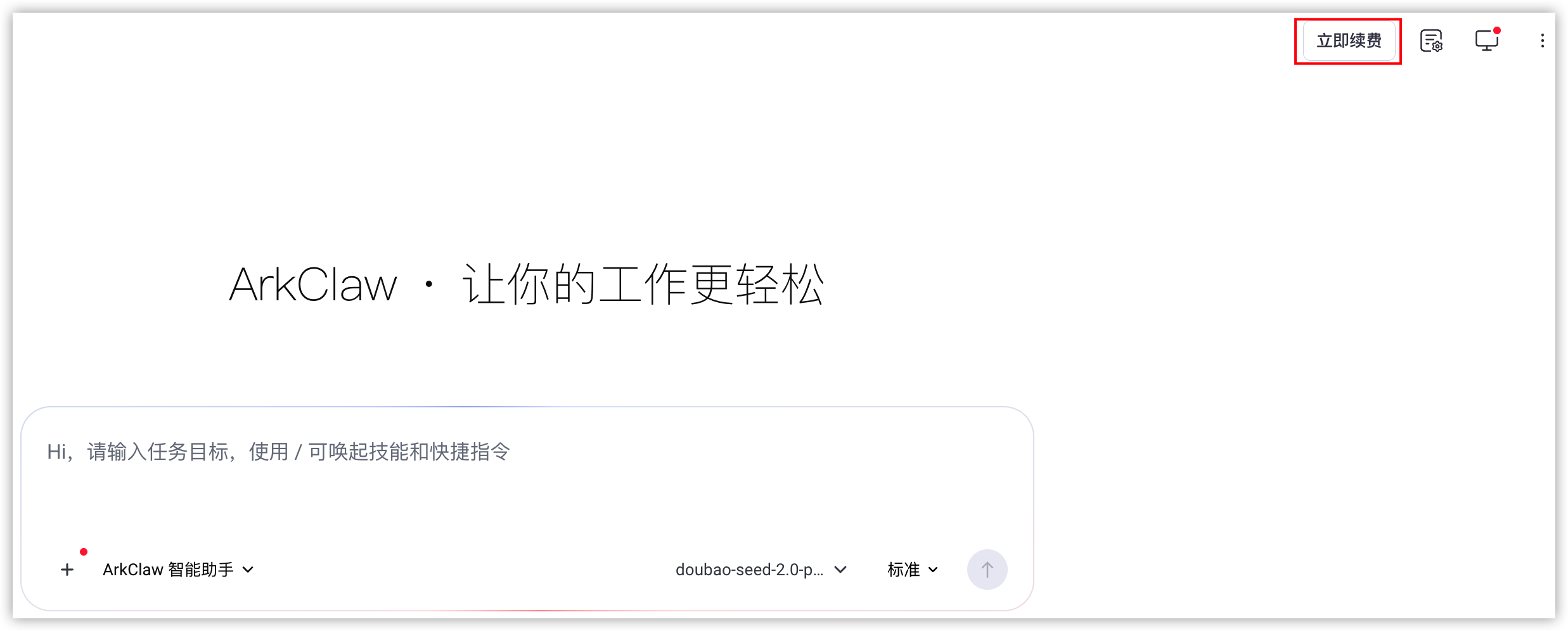
- If your ArkClaw has 7 days or fewer remaining before expiration, click "Renew now" in the upper-right corner of the page to go to the renewal page.
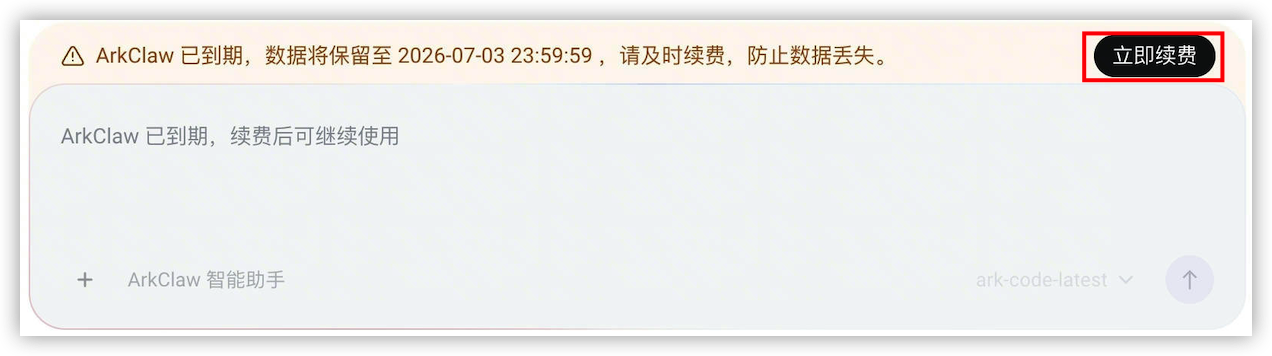
 If your ArkClaw service has expired, click "Renew now" at the top of the dialog box to go to the renewal page.
 If your ArkClaw has more than 7 days remaining before expiration, follow these steps to go to the renewal page.
- Switch to the target ArkClaw page. In the upper-right corner of the page, click the details icon.
- On the ArkClaw details page, select the "Status and usage" tab.
- Click the "Renew" button.
- Confirm the information of ArkClaw to be renewed and select a renewal duration.
- When your ArkClaw and large model subscription package (Agent Plan or Coding Plan) are about to expire at the same time, you can complete renewal in one go via bundle renewal, without separate operations.tip
- The ModelArk Agent Plan is a brand-new upgraded subscription package built on the basis of the Coding Plan. It is integrated with a more comprehensive suite of model services and the exclusive Harness toolset. Learn more.
- ModelArk Coding Plan is a developer‑tailored subscription service that supports multiple mainstream code models. It offers high cost‑effectiveness and frees you from Pay‑as‑you‑go token billing concerns. Learn more.
Separate renewal for ArkClaw applies to scenarios where your Agent Plan/Coding Plan still has a long remaining validity period, or you only intend to renew ArkClaw.
- After reading and agreeing to the relevant ArkClaw service rules, click the "Pay now" button to enter the payment page.
tip
After you join the User Experience Improvement Program, Volcano Engine will, based on the necessary diagnostic data uploaded by ArkClaw, help you quickly diagnose issues and optimize service quality. You can also quit the User Experience Improvement Program at any time. Learn more.
- On the payment page, confirm the order and amount information, select a payment method, and click "Pay now" to complete the payment.
- After payment succeeds, you can click the "Enter chat" button to continue interacting with ArkClaw.
tip
At the top of the chat interface, you can check the remaining available days of ArkClaw at any time.
Last updated: 2026.07.03 15:43:47
All rights reserved © Beijing Volcano Engine Technology Co., Ltd2024
