ArkClaw Enterprise
ArkClaw Enterprise


Document

- Documentation
 ArkClaw EnterpriseArkClawConsole user guideUsage TipsAdvanced featuresAccessing OpenClaw console
 Copy page
 Download PDF
Advanced features
Accessing OpenClaw console
Copy pageDownload PDFAccessing OpenClaw console
ArkClaw is a cloud-hosted version built on OpenClaw. It provides quick access to the OpenClaw console and offers visual resource operation and management capabilities.
Supported operations
Procedure
- Log in to the ArkClaw console.
- Switch to the target ArkClaw.
- In the upper-right corner of the page, click
 > OpenClaw console".
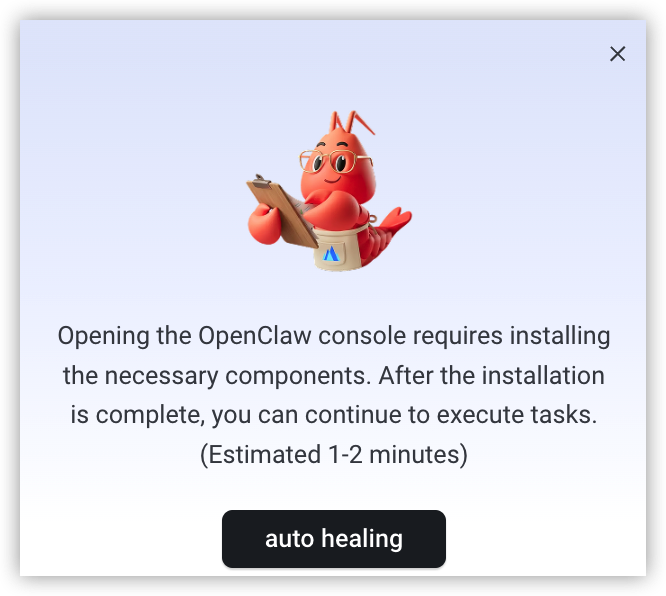
- (Optional) When accessing the OpenClaw console, you may need to install dependent system components. Click the "Auto healing" button to complete the installation.
The installation takes approximately 2–3 minutes. Please wait until the installation finishes. After installation is complete, click " > OpenClaw console" again.
> OpenClaw console" again.-
- Enter the OpenClaw console to manage cloud resources visually.
Last updated: 2026.07.02 14:30:55
All rights reserved © Beijing Volcano Engine Technology Co., Ltd2024
