Container Registry
Container Registry
Container Registry


Document
Container Registry (CR)
What's new
Overview
Billing
Billing item
Getting started
User guide
User authorization
Authorization management
Robot account management
Instance management
Namespace management
OCI artifact repository management
OCI artifact management
Version management
Tag immutability rule management
Tag retention rules management
Access configuration
Access control
Distribution acceleration
P2P acceleration
Image lazy loading
Registry replication
Audit log management
Alerts and notifications
Best practices
Image push and pull
Image migration and synchronization
DevOps delivery
FAQ
Authorization
VPC
Image push and pull
Limits
Registry replication
P2P acceleration
Access control
API
Calling Method
Instance Management
Namespace Management
OCI Artifact Repository Management
OCI Artifact Version Management
Domain Management
Access Endpoint Management
Temporary Access Key
Robot Account Management
General Data Structure
Artifact repository AR
What's new
Product overview
Getting started
User guide
Instance management
Repository Management
Access control
Permanent access credentials
Temporary access credentials
Maven package management
Generic package management
PyPI package management
NPM package management
Uploading packages
Downloading packages
AI package management
Permission management
API Reference
Repository Management
Package management
Version Management
File Management
Temporary Key Management
General Data Structure
- Documentation
 Container RegistryArtifact repository ARFAQMaven repository cannot fetch packages
 Copy page
 Download PDF
FAQ
Maven repository cannot fetch packages
Copy pageDownload PDFMaven repository cannot fetch packages
Issue phenomenon
After the user correctly configures the Maven repository, they find that packages cannot be retrieved correctly.
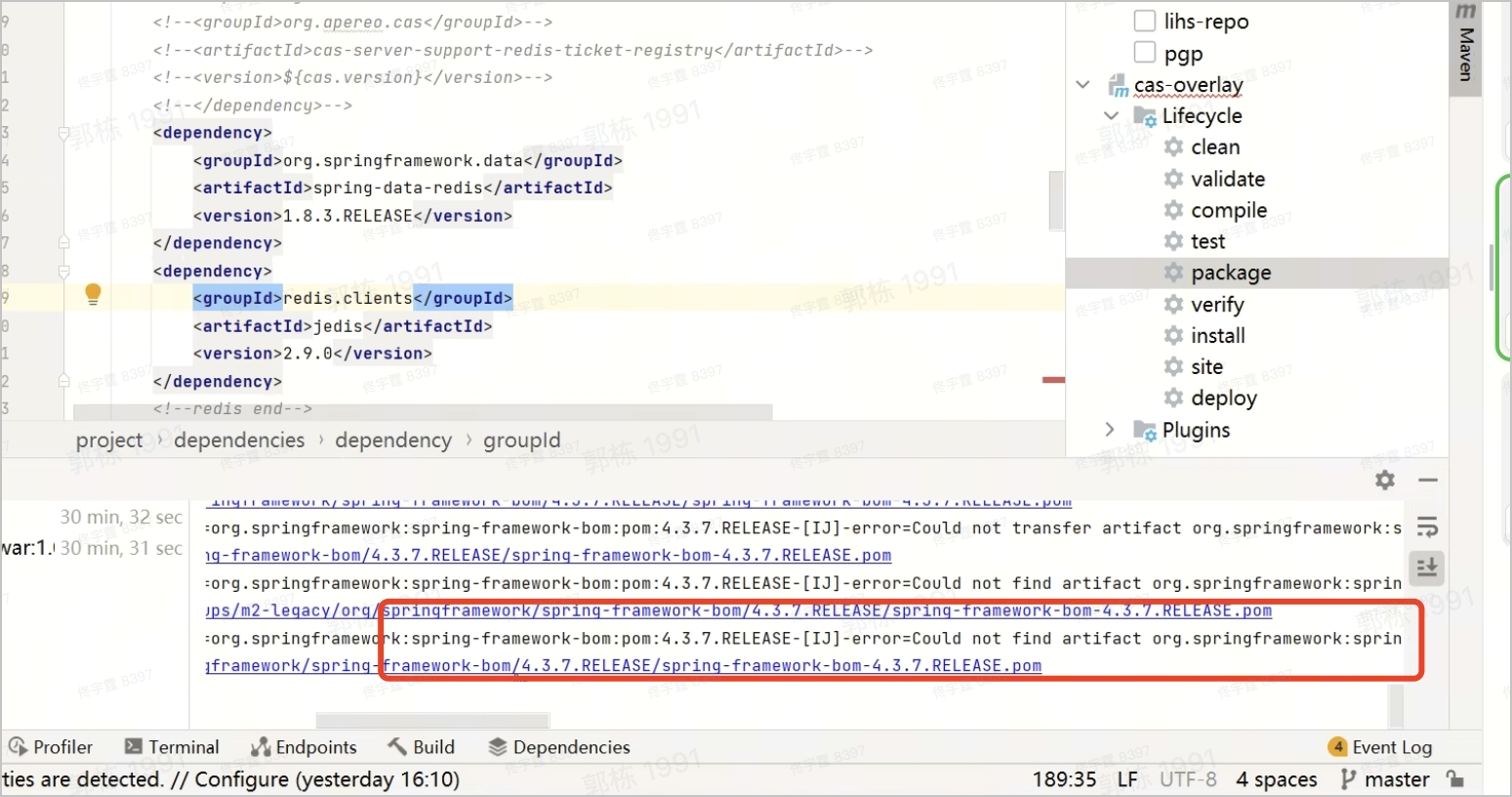
Cause analysis
The settings.xml file in the user's base image is configured with mirror settings, and repository requests are redirected using <mirrorOf>. Hijacking all requests to https://maven.aliyun.com/repository/central prevents access to the Volcano Engine artifact repository.
<mirrors>
<mirror>
<id>aliyun-mirror</id>
<mirrorOf>*</mirrorOf>
<name>aliyun-mirror</name>
<url>https://maven.aliyun.com/repository/central</url>
</mirror>
</mirrors>
Solution
Add the following configuration to the user configuration or project configuration (which have a higher priority than the default configuration file).
<mirrors>
<mirror>
<id>[REPOSITORY_ID]-mirror-override</id>
<mirrorOf>[REPOSITORY_ID]</mirrorOf>
<url>[REPOSITORY_URL]/</url>
</mirror>
</mirrors>
ConfigMap description, as shown in the following table.
Parameter | Description |
Parameter | Description |
REPOSITORY_ID | Configure the name of the artifact repository instance, e.g., Free-Share. |
REPOSITORY_URL | Configure the access URL address of the artifact repository. This can be obtained from the artifact repository details. For details, please refer to Managing Repository. |
Last updated: 2025.10.24 11:20:37
All rights reserved © Beijing Volcano Engine Technology Co., Ltd2024
