Volcengine Managed Service for Prometheus
Volcengine Managed Service for Prometheus


Document

- Documentation
 Volcengine Managed Service for PrometheusUser guideMonitoring dashboardBasic operations
 Copy page
 Download PDF
Monitoring dashboard
Basic operations
Copy pageDownload PDFBasic operations
The built-in monitoring dashboard of Volcengine Managed Service for Prometheus (VMP) supports configuring items such as data sources, query time ranges, and refresh methods. This topic describes the basic usage of the built-in dashboard.
Select a data source
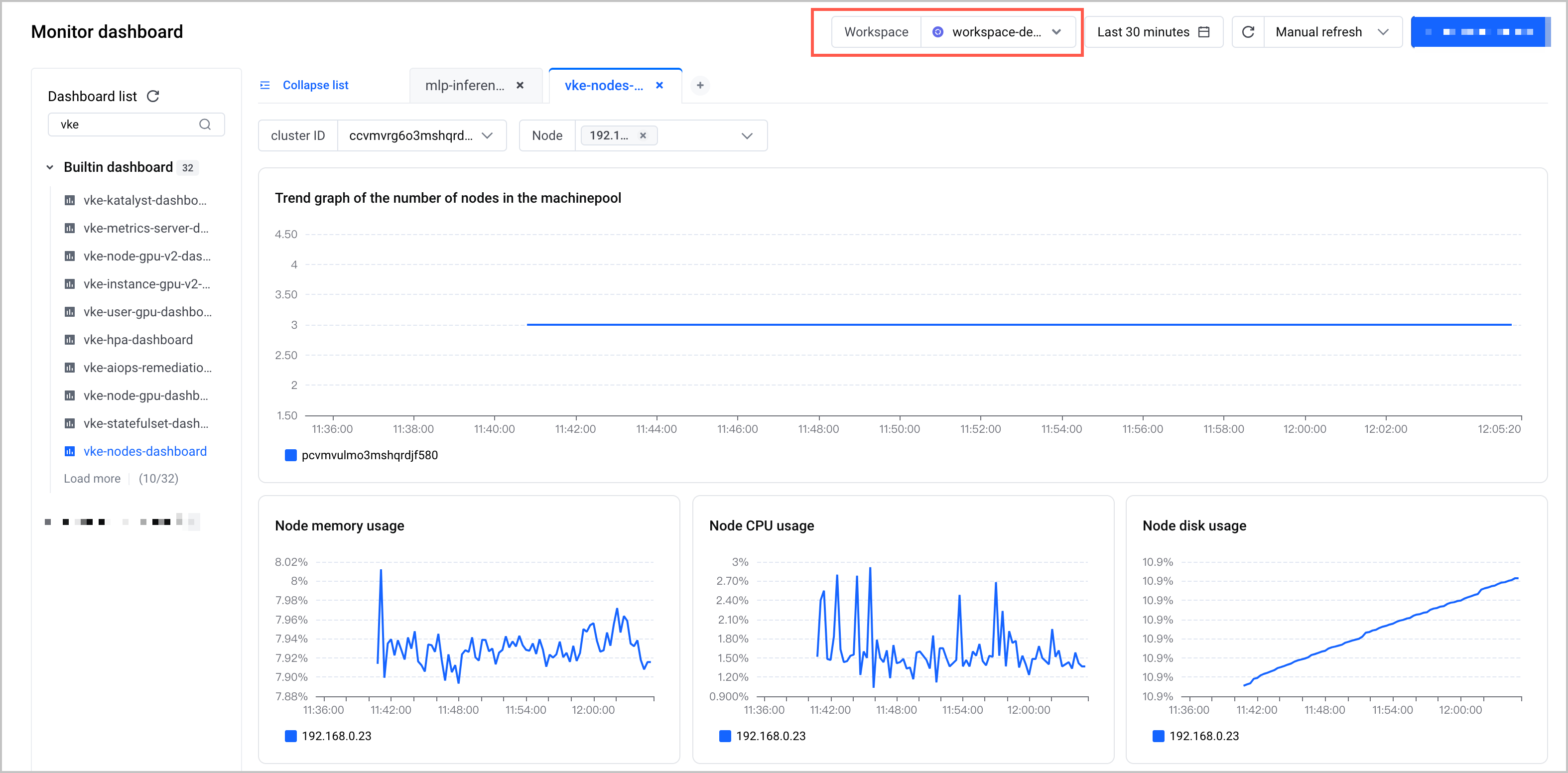
When you use the dashboard, you need to select a VMP workspace, which is the correct data source.
- Log in to the VMP console.
- On the top navigation bar, select the target region.
- Click Monitor dashboard on the left navigation bar to go to the Monitor dashboard page.
- Select a workspace from the Workspace list in the upper right corner of the Monitor dashboard page.
Configure a data time range
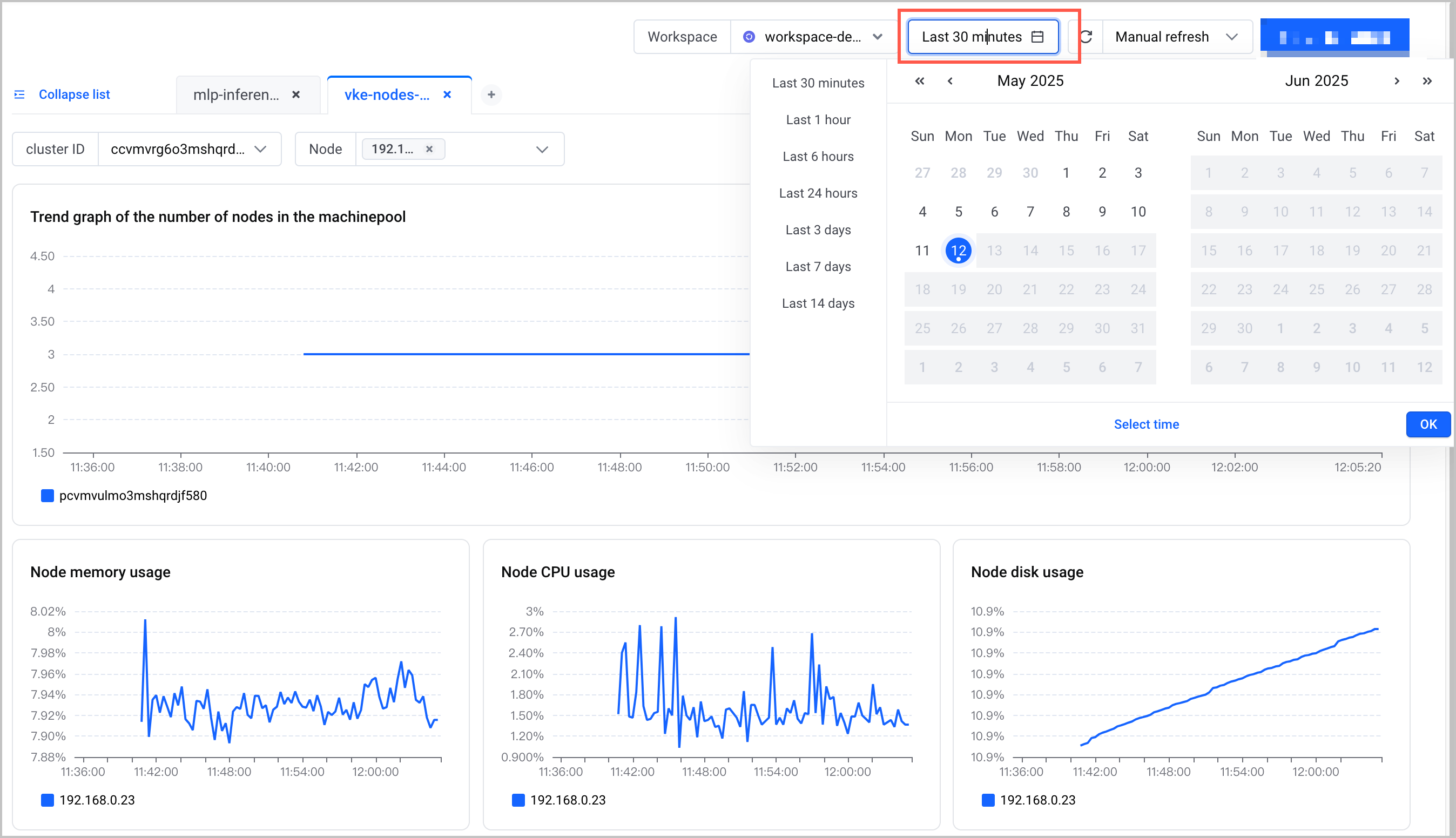
In the upper right corner of the Monitor dashboard page, configure the time range of the dashboard. You can use predefined time ranges, such as the last 30 minutes, the last 1 hour, the last 6 hours, and the last 24 hours.
Click Select time to specify custom start and end time for query.
Configure a refresh method
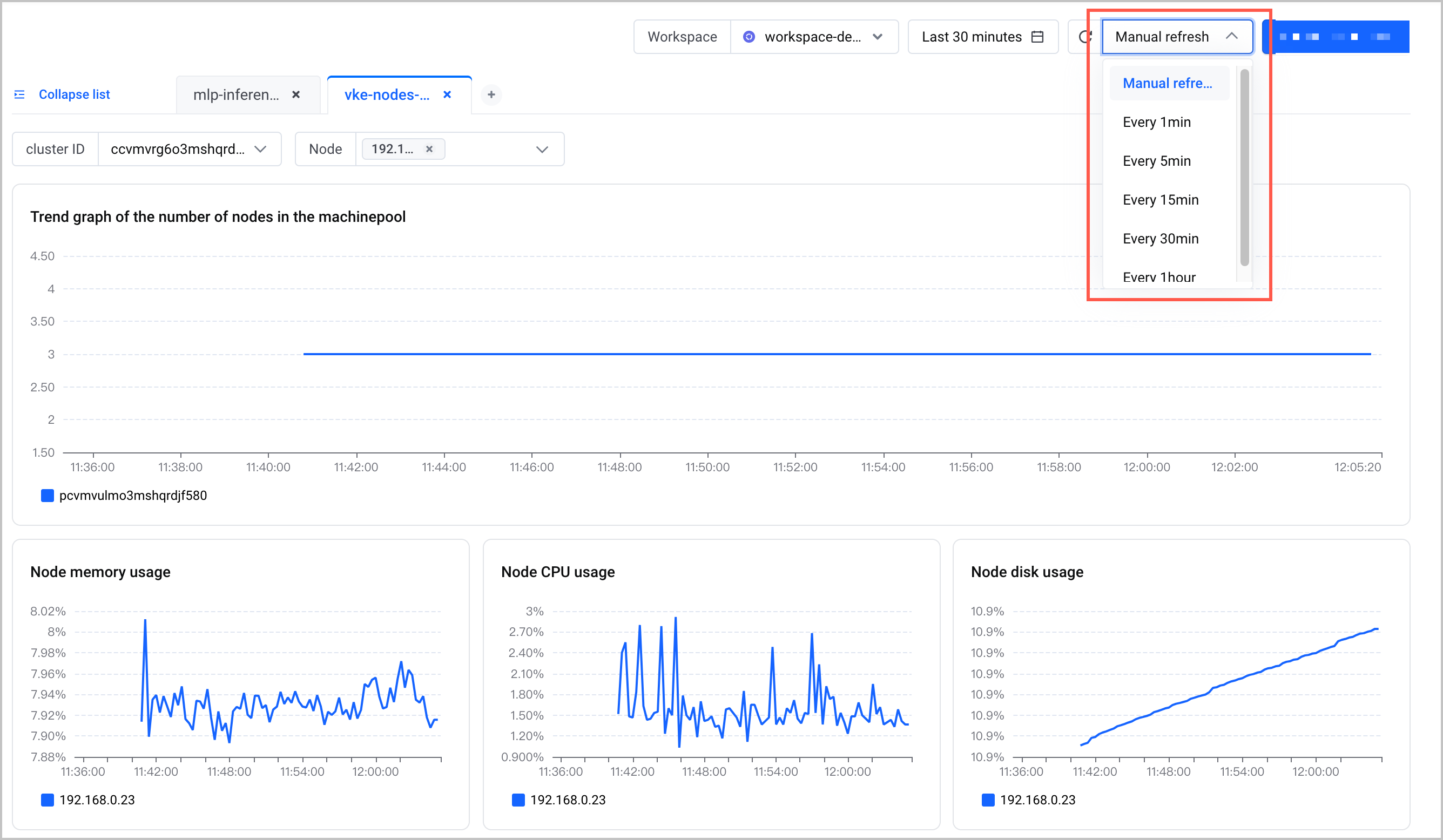
The dashboard supports manual or automatic refresh. You can select a built-in interval at which the dashboard is automatically refreshed such as 1 minute and 5 minutes. In the upper right corner of the Monitor dashboard page, specify a refresh method of the dashboard.
Filter dashboard data
You can filter data sources by clicking the legends in the dashboard. The following table describes the details of the related operations.
Configuration Method | Sample Result |
Original monitoring dashboard | 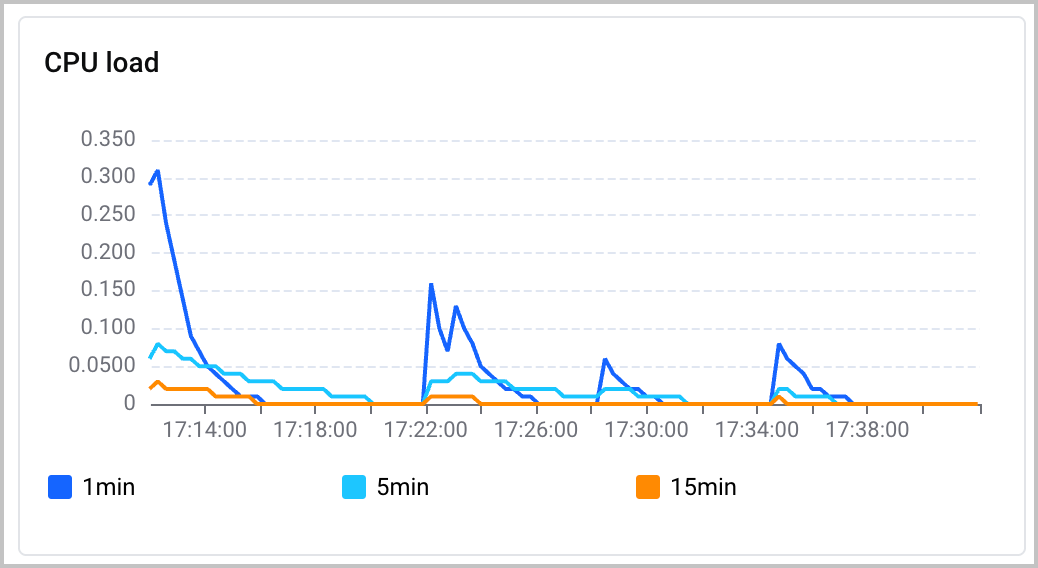 |
Click the name of a specific data source to display or hide the corresponding line on the dashboard. | 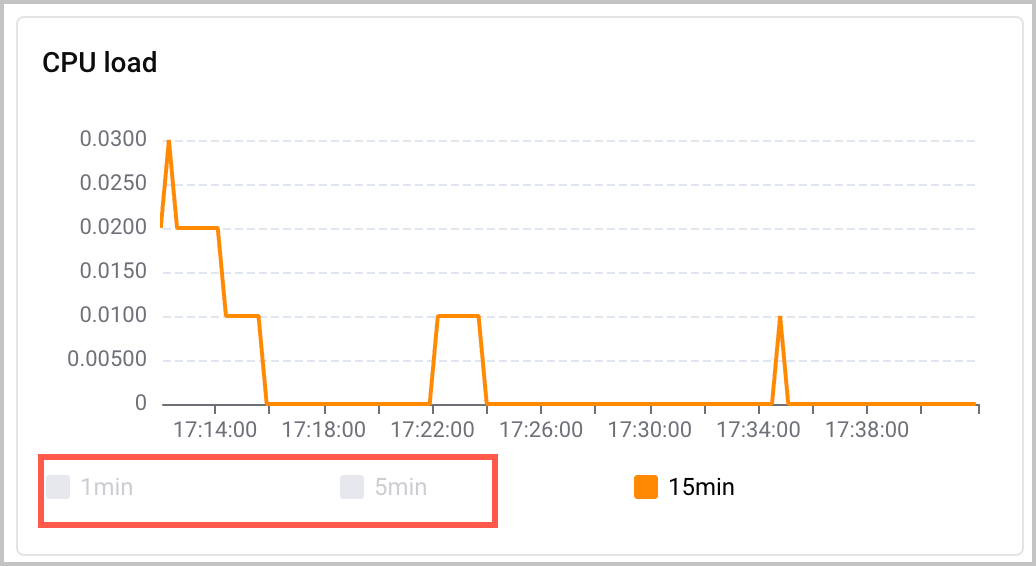 |
Click the icon next to the name of a specific data source  to display only the line of the data source and hide the lines of all other data sources. to display only the line of the data source and hide the lines of all other data sources. | 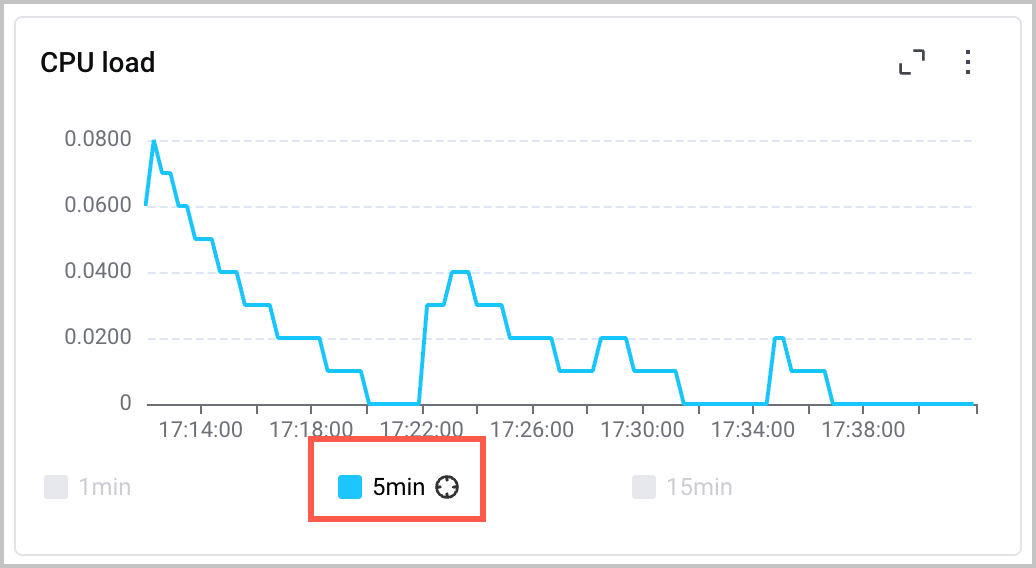 |
Last updated: 2026.07.10 11:37:25
All rights reserved © Beijing Volcano Engine Technology Co., Ltd2024
