Volcengine Managed Service for Prometheus
Volcengine Managed Service for Prometheus


Document

- Documentation
 Volcengine Managed Service for PrometheusUser guideWorkspaceRecording ruleCreating recording rules
 Copy page
 Download PDF
Recording rule
Creating recording rules
Copy pageDownload PDFCreating recording rules
The recording rule helps you perform secondary aggregation of the collected data and store it as new data, providing you with a faster and more convenient way to store and query data. This topic describes how to create a recording rule.
Volcengine Managed Service for Prometheus (VMP) supports the recording rule configurations natively supported by Prometheus. For more details, see the official documentation.
Prerequisites
- You have registered and activated VMP.
- A workspace has been created. For details, see Creating workspaces.
Procedures
- Log in to the VMP console.
- Click Workspace in the left navigation bar, find the workspace for which you want to create a recording rule in the workspace list, and then click the workspace name to go to the Overview page of the workspace.
- Click Recording Rules Management on the left navigation bar.
-
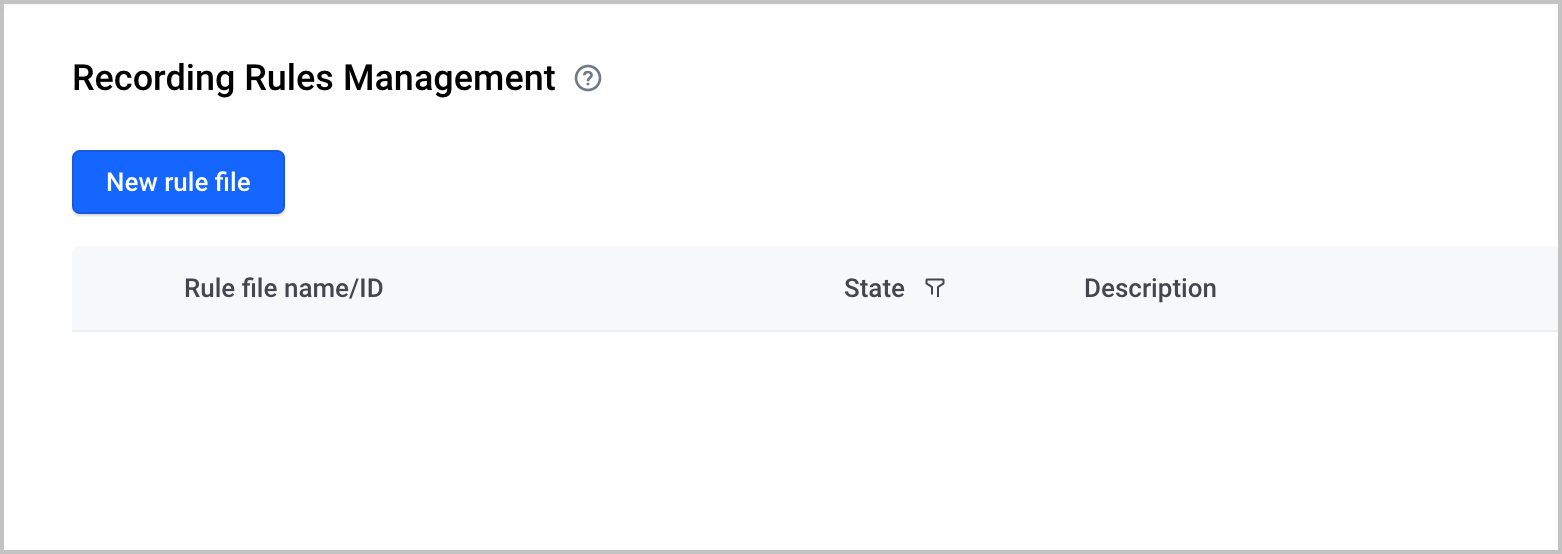
- Click New rule file and configure the recording rule file.
-
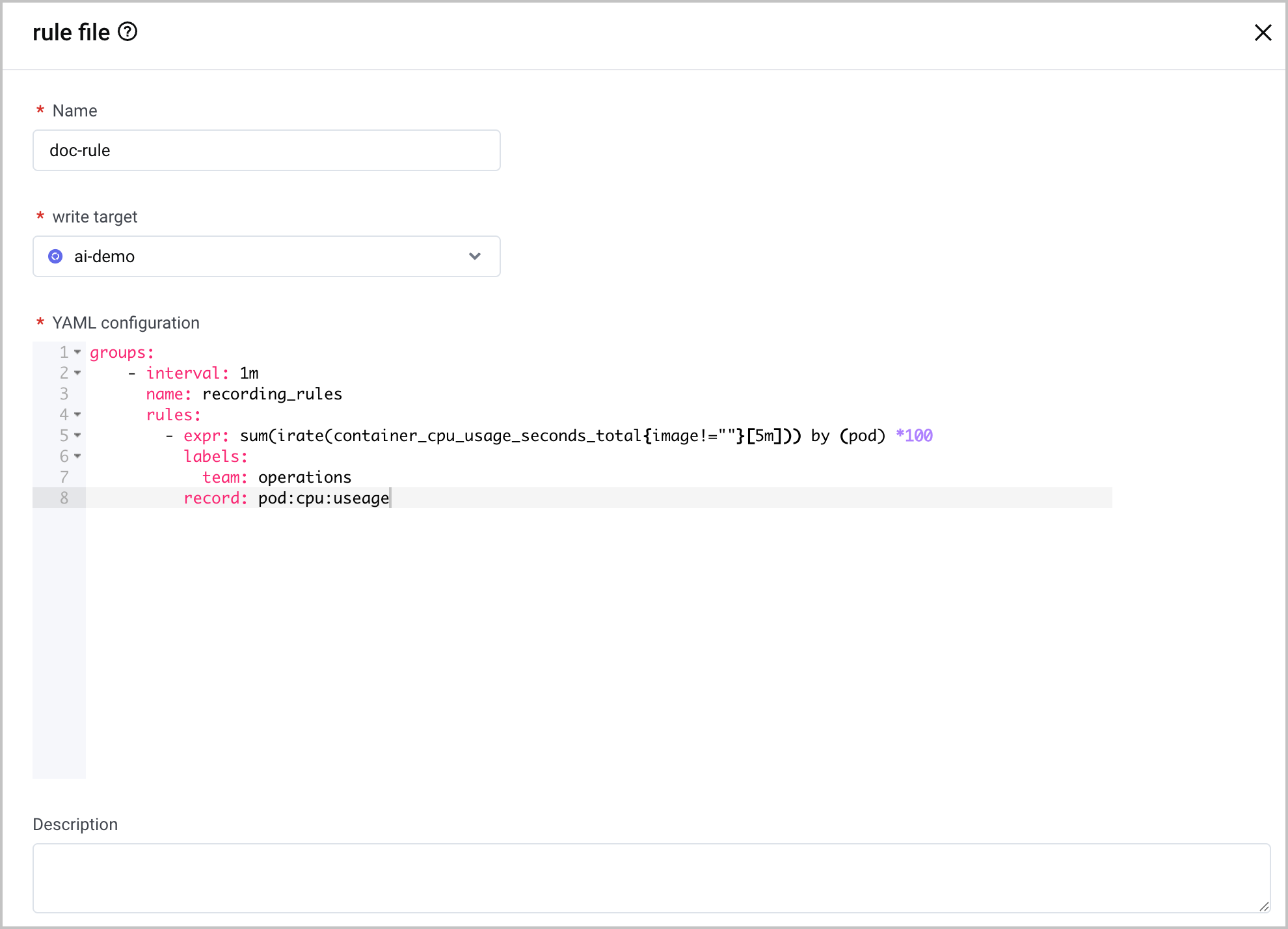
- ParameterDescriptionNameSpecify the name of the recording rule file.
- The name is in the string format and must be 1 to 100 characters in length.
- The name of the rule file must remain unique within the same workspace.
Write targetThe target workspace into which query data is written from the source workspace. You can select a target workspace in the same region as the current workspace.YAML configurationSpecify the details of the recording rule file. The sample format and description of the recording rule file are shown below.In the same group, rules cannot have the same name, PromQL query statement, and label.The description of each parameter is shown as follows:- interval: the execution cycle of the rule group. The interval must be no less than 5 seconds.
- name: the name of the rule group.
- rules: the rules. Each rule group can contain multiple rules.
- expr: the PromQL query statement for data query and aggregation used by the system.
- labels: the labels added to the newly aggregated data, which can be in the <labelname>:<labelvalue> format.
- record: the name of the rule, which must conform to the Prometheus metric name specification.
DescriptionSpecify the description of the recording rule file. You can provide a detailed description of the metric aggregation for the rule file.Allow for query accelerationThe query acceleration switch. Query acceleration is disabled by default. If query acceleration is enabled, the query pre-aggregation feature is available to automatically rewrite pre-aggregation metrics used by queries according to the rules.
- Click Confirm to complete the configuration.
Last updated: 2026.07.10 11:37:25
All rights reserved © Beijing Volcano Engine Technology Co., Ltd2024
