Volcengine Managed Service for Prometheus
Volcengine Managed Service for Prometheus


Document

- Documentation
 Volcengine Managed Service for PrometheusUser guideAlert centerAlerting rule templatePreset alerting rule templates
 Copy page
 Download PDF
Alerting rule template
Preset alerting rule templates
Copy pageDownload PDFPreset alerting rule templates
Volcengine Managed Service for Prometheus (VMP) provides preset alert rule templates for commonly used cloud services. This topic describes how to view and use the preset alerting rule templates.
View a template
- Log in to the VMP console.
- On the top navigation bar, select the target region.
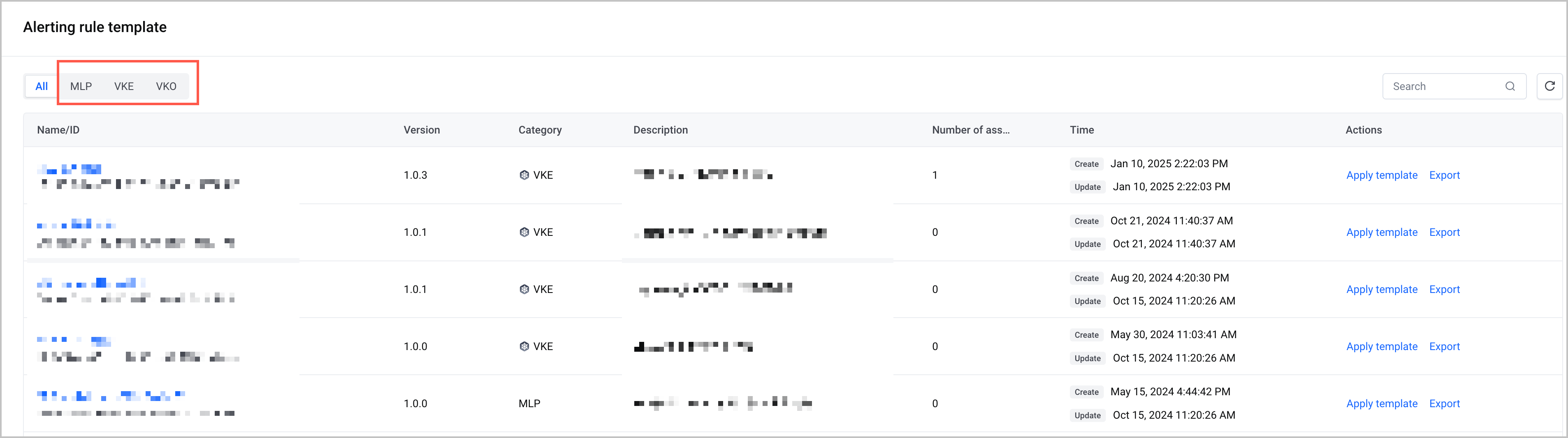
- On the left navigation bar, click Alert center > Alerting rule template. Click the Preset template tab.
- On the Preset template tab, click a service name to view the preset alerting rule templates of the service. The tab displays information such as the template name, ID, version, description, number of associated alerting rule groups, and time.
Apply a template
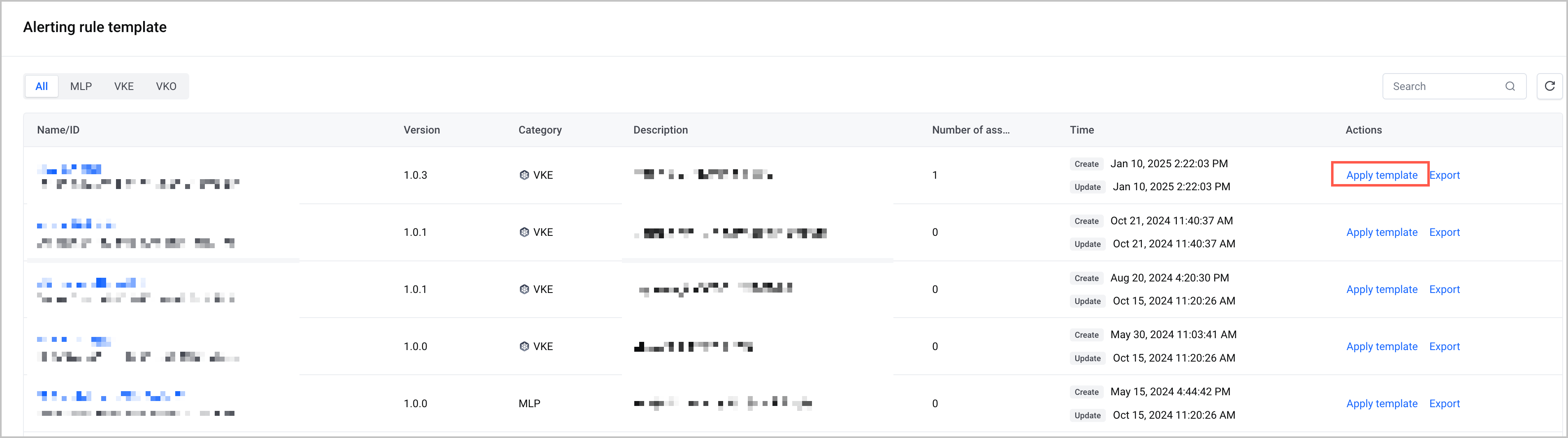
On the Preset template tab, find the target template and click Apply template in the Actions column to create an alerting rule group based on the template.
tip
Export a template
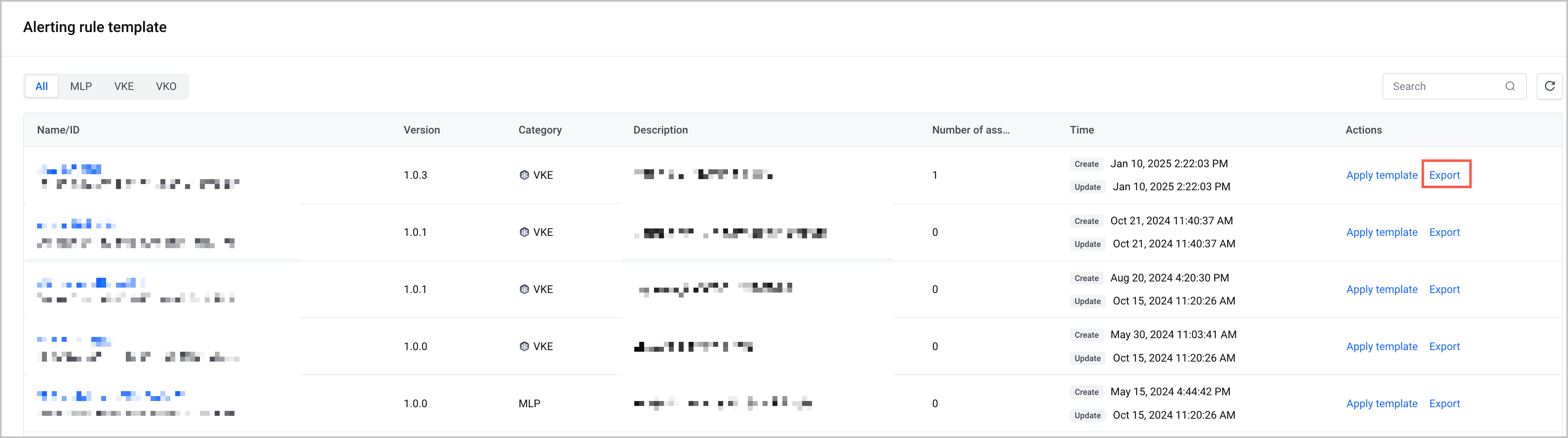
On the Preset template tab, find the target template and click Export in the Actions column to export the YAML configuration file of the template. You can modify the parameters in the configuration file in your local environment and create a custom alerting rule template based on the modified configuration file. For more details, refer to Creating a custom alerting rule template.
Last updated: 2026.07.10 11:37:26
All rights reserved © Beijing Volcano Engine Technology Co., Ltd2024
