Volcengine Managed Service for Prometheus
Volcengine Managed Service for Prometheus


Document

- Documentation
 Volcengine Managed Service for PrometheusIntegration GuidePrometheus ecosystem integrationExporter integrationElasticsearch exporter integration
 Copy page
 Download PDF
Exporter integration
Elasticsearch exporter integration
Copy pageDownload PDFElasticsearch exporter integration
VMP monitors the operational status of Elasticsearch by using the exporter. This topic describes how to deploy elasticsearch-exporter in a cluster and how to monitor Elasticsearch.
Prerequisites
- VMP
- A VMP workspace has been created. For details, see Creating workspaces.
- VKE
- A Volcano Engine root user has been created, and VKE has been activated.
- The VKE cluster has been integrated with VMP. For details, see VKE integration.
- Grafana has been deployed and integrated with the workspace.
Procedure
Step 1: Use a secret to configure the Elasticsearch connection string
- Log in to the VKE console.
- Click Cluster in the left navigation pane.
- On the cluster list page, click the name of the cluster that you want to configure.
- In the left navigation pane of the cluster details page, click Configurations > Secret. On the page that appears, click Create with Yaml to configure a secret.
Step 2: Deploy elasticsearch-exporter
- In the left navigation pane of the cluster details page, click Workload > Deployment.
- Click Create with Yaml to deploy elasticsearch-exporter.
tip
In this example, ES-ALL is used to collect all metrics of Elasticsearch. You can also adjust the collection scope by specifying the appropriate parameters. For details, see elasticsearch_exporter.
Step 3: Configure a collection rule
- In the left navigation pane of the cluster details page, click Workload > Resource Explorer.
- Click Create with Yaml to configure a collection rule by using PodMonitor.
- Select Custom from the Type list.
- Enter the YAML configuration in the Yaml field.
Validate results
- Execute the following command to configure Grafana port forwarding:
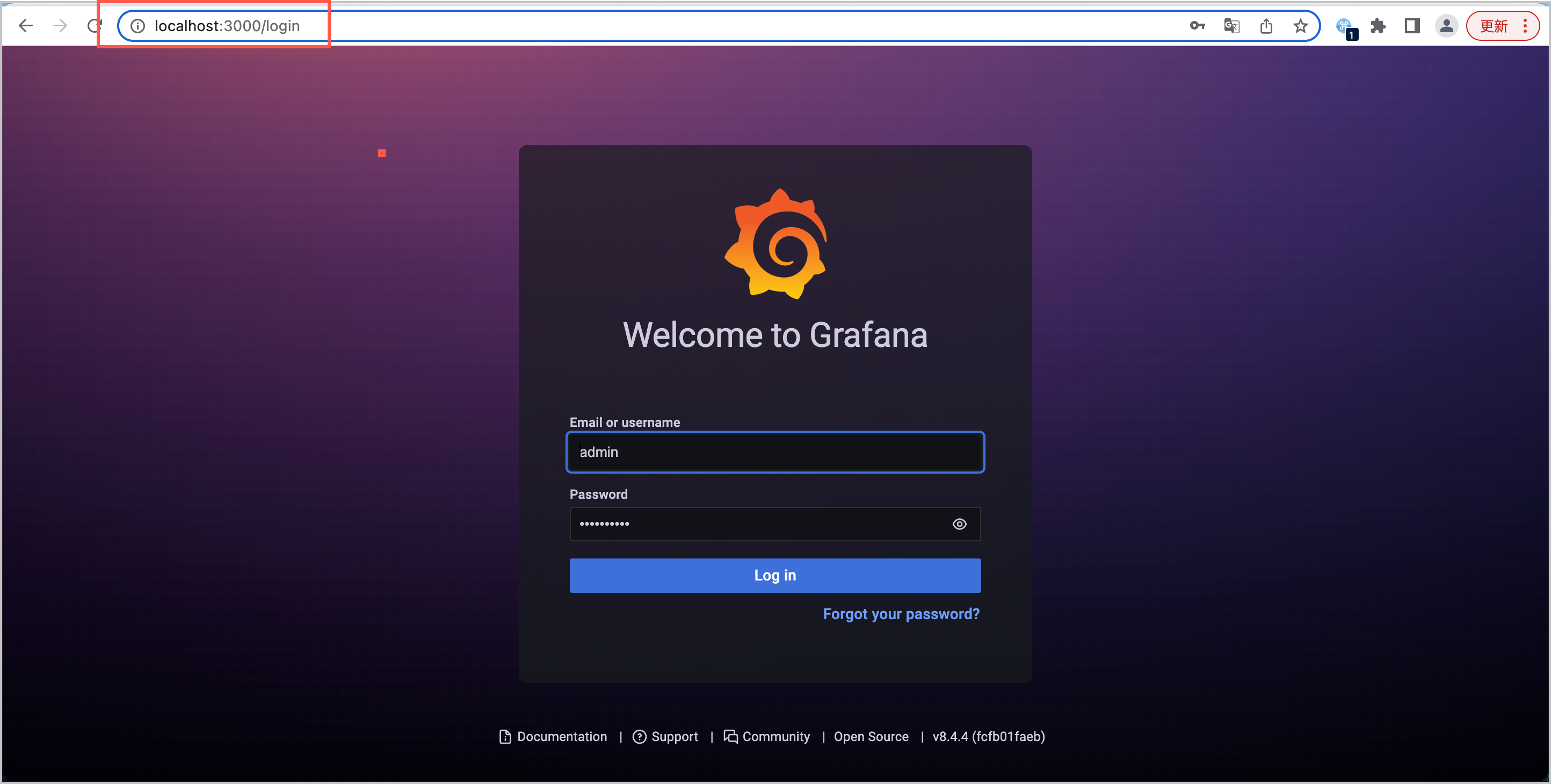
- Open a browser in your local environment (Linux/Mac), enter localhost:3000 into the address bar to go to the Grafana login interface. Use the default username admin, with the password admin, to log in.
-
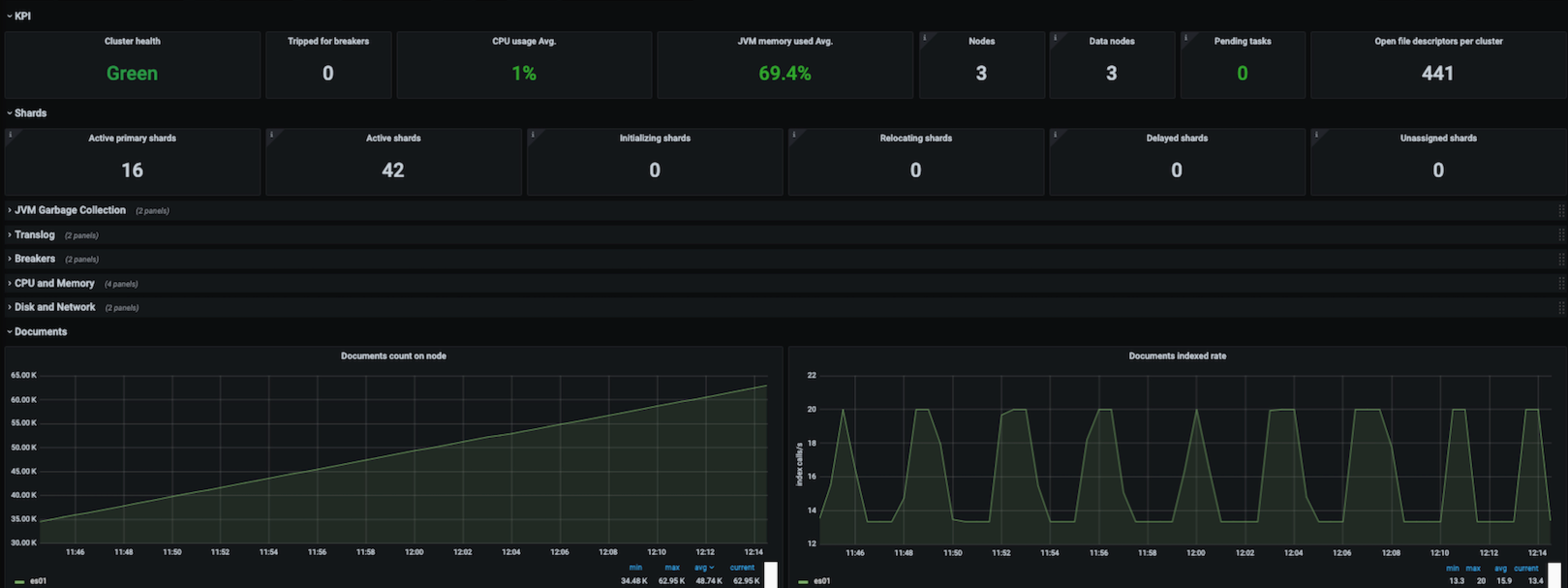
- After you log in to Grafana, you can create a dashboard to view the metric information of Elasticsearch.
-
tip
Last updated: 2026.10.10 10:16:50
All rights reserved © Beijing Volcano Engine Technology Co., Ltd2024
