Volcengine Managed Service for Prometheus
Volcengine Managed Service for Prometheus


Document

- Documentation
 Volcengine Managed Service for PrometheusUser guideAlert centerNotification templateManaging notification templates
 Copy page
 Download PDF
Notification template
Managing notification templates
Copy pageDownload PDFManaging notification templates
After you create a notification template, you can view, edit, or delete the template. This topic describes how to manage notification templates.
View a notification template
You can view the details of a created notification template, including basic information and associated notification policies. You can perform the following steps to view the details:
- Log in to the VMP console.
- On the top navigation bar, select the target region.
- On the left navigation bar, click Alert center > Notification template. In the template list, find the target template and click the template name to view the template.
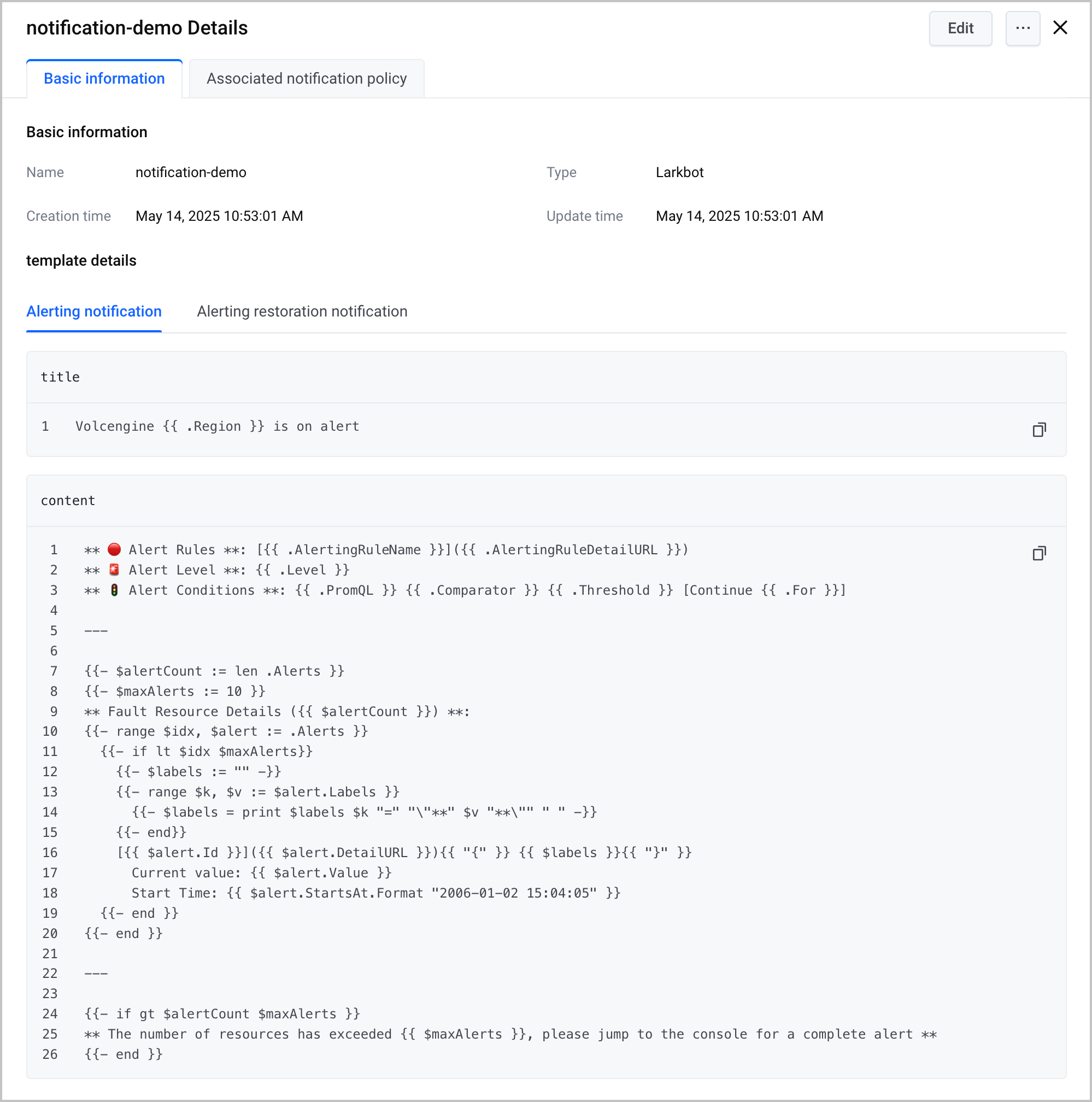
- Click the Basic information tab to view the basic information and configuration details of the template.
-
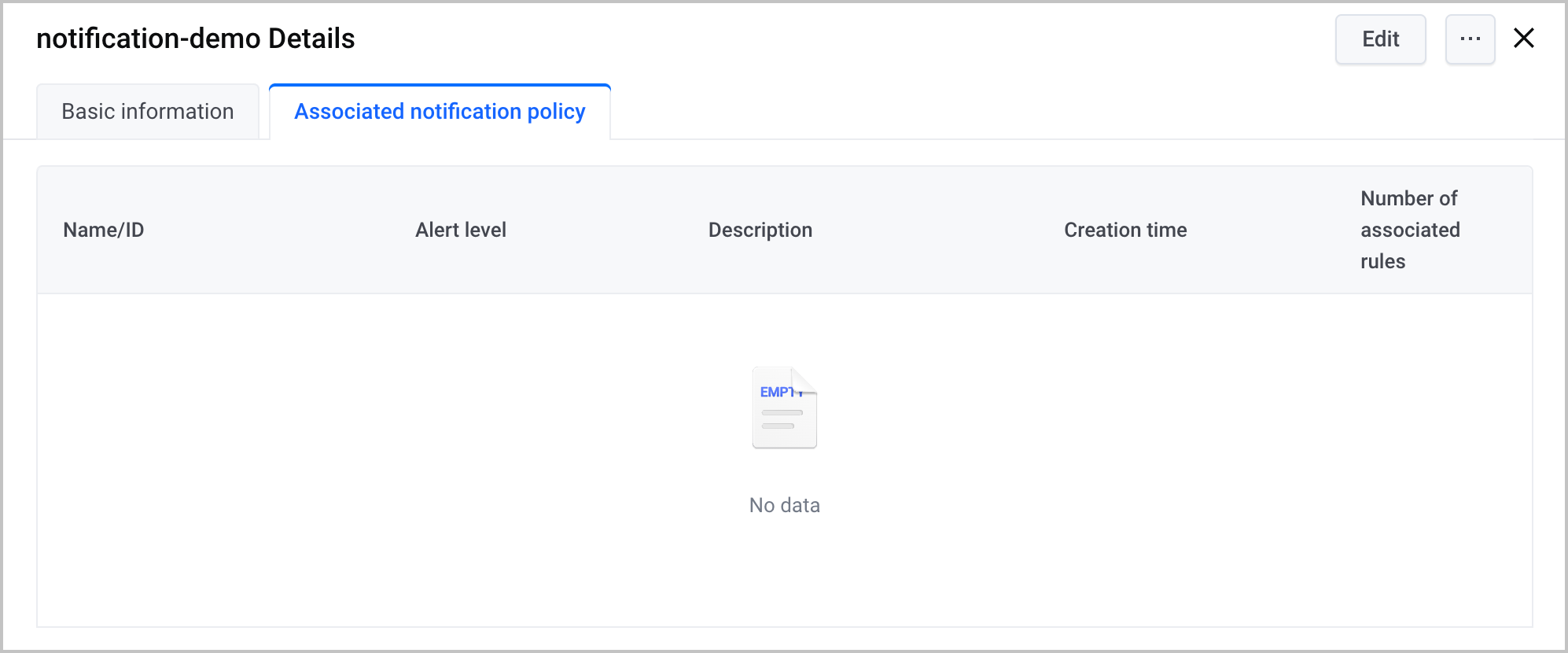
- Click the Associated notification policy tab to view the notification policies associated with the template.
-
Edit a notification template
You can edit a created notification template. You can perform the following steps to edit a template:
- Log in to the VMP console.
- On the top navigation bar, select the target region.
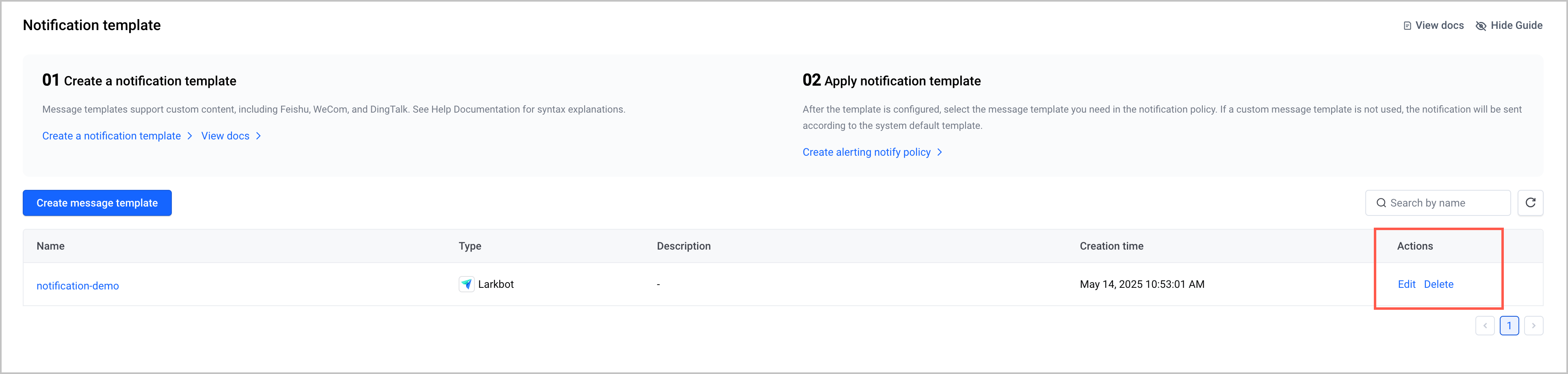
- On the left navigation bar, click Alert center > Notification template. In the template list, find the target template and click Edit in the Actions column to edit the template content.
tip
When you edit the template, you can modify only the name, description, and configuration details of the template, but you cannot modify the template type.
Delete a notification template
warning
You can delete a notification template even if it is associated with an alert notification policy. After the template is deleted, the alert notification policy will use the system default notification template to send alert notifications.
You can delete a created notification template. You can perform the following steps to delete a template:
- Log in to the VMP console.
- On the top navigation bar, select the target region.
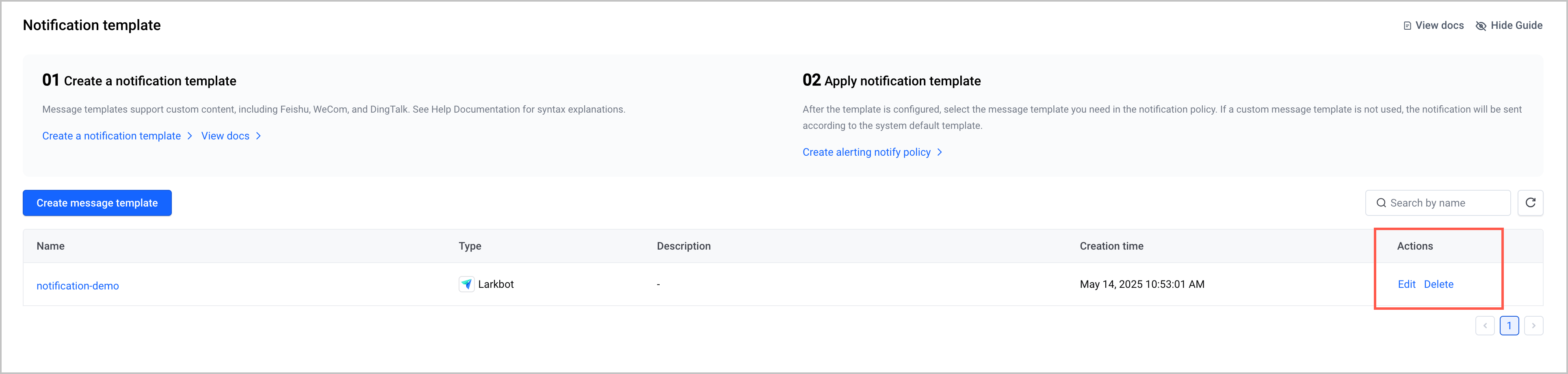
- On the left navigation bar, click Alert center > Notification template. In the template list, find the target template and click Delete in the Actions column.
- Click OK in the message that appears to delete the template.
Last updated: 2025.06.23 17:19:27
All rights reserved © Beijing Volcano Engine Technology Co., Ltd2024
