Torch Log Service
Torch Log Service


Document

- Documentation
 Torch Log ServiceUser GuideLog applicationLog applications for product observabilityCloudLens for TOSConfigure log analysis dashboard
 Copy page
 Download PDF
CloudLens for TOS
Configure log analysis dashboard
Copy pageDownload PDFConfigure log analysis dashboard
This topic provides details about the log analysis dashboard for CloudLens for TOS.
Notice
- Modifying the tos-log-topic index configuration is not supported.
- Deleting the tos-log-topic log topic in log analysis may cause the TLS feature for cloud products to stop working. If a topic needs to be deleted, ensure related resources under this topic are deleted or disabled before deleting the log topic.
Steps to configure the log analysis dashboard
On the dashboard configuration page for log analysis, all object storage buckets that have been integrated with TLS are displayed. You can view the total number of buckets and enable log analysis for each corresponding bucket. After enabling log analysis, access detail logs for the bucket will be collected in real time, providing usage, request, security, and query and analysis capabilities.
Notice
- Log in to TLS console.
- Refer to Integrate TOS log application to integrate the CloudLens for TOS log application.
- In the left navigation bar, click Common functions > Log application.
- On the My applications page, click the name of the integrated CloudLens for TOS log application.
- On the Log analysis page, click Dashboard configuration to enter the dashboard configuration page.
- Enable log analysis.
- In the Integration management list, set the switch in the Log analysis column for the target bucket to the enabled state, confirm enabling log analysis, and click Enable.
- View the log analysis dashboard.
- Click Analyze in the Log analysis column for the target bucket to view the log analysis dashboard.
- For dashboard details, see Chart summary.
- For log field details, see Log analysis fields.
Notice
On the Target storage topic tab, you can view information such as the name of the project storing log analysis data, log topic name, region, type, and storage duration.
Chart summary
The data pivot dashboard for the CloudLens for TOS log application in TLS provides the following monitoring chart details.
Resource usage
The following resource usage charts are displayed for the specified region, bucket, and date.
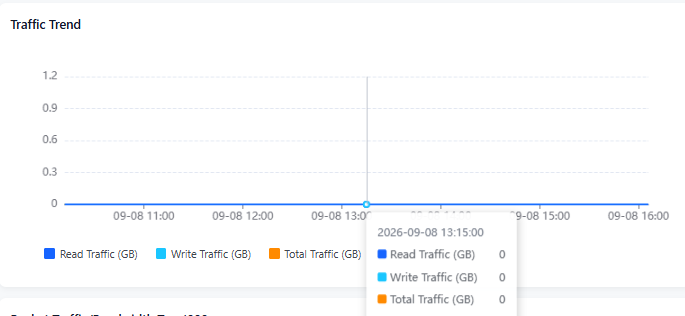
Displays traffic trends, including read traffic, write traffic, and total traffic.
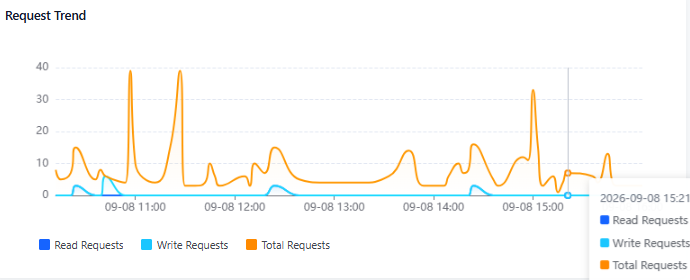
Displays request trends, including read request count, write request count, and total request count.
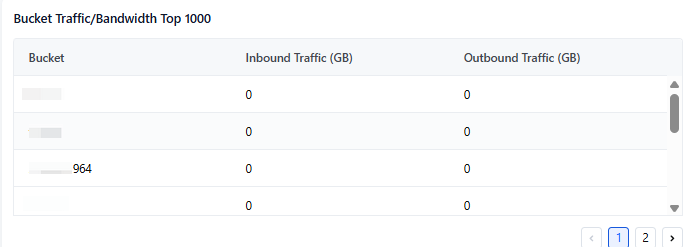
Displays the distribution of bucket traffic/bandwidth Top1000.
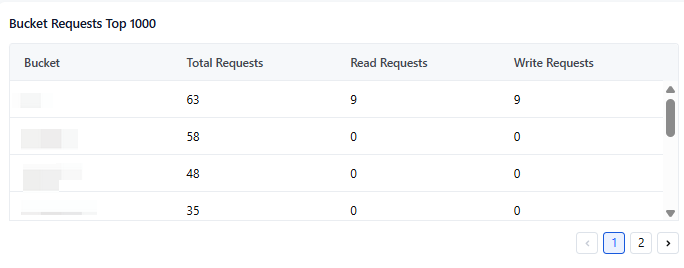
Displays the distribution of bucket requests Top1000.
Heat statistics
The following heat statistics charts are displayed for the specified region, bucket, and date.
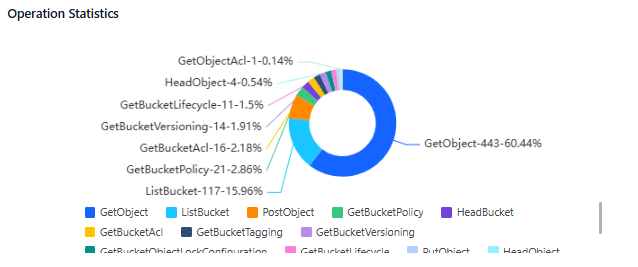
Display the percentage statistical analysis chart for operation details.
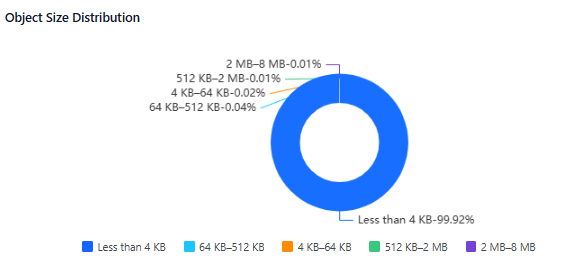
Display the percentage distribution chart of object sizes.
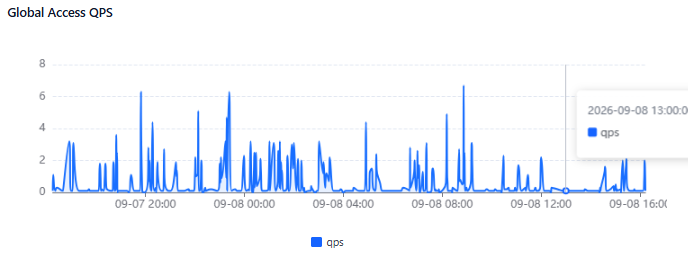
Display global access QPS statistics.
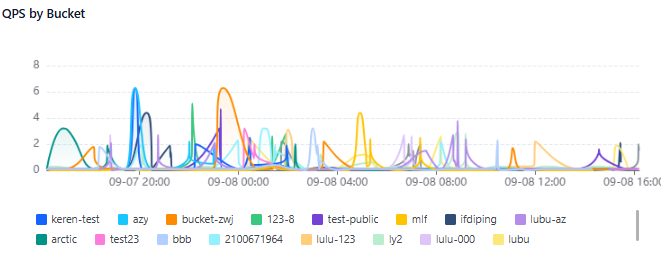
Display QPS statistics grouped by bucket.
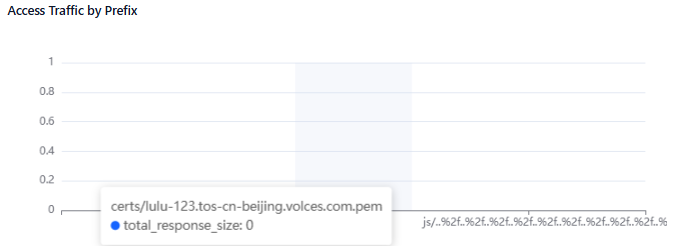
Display access data volume information by prefix.
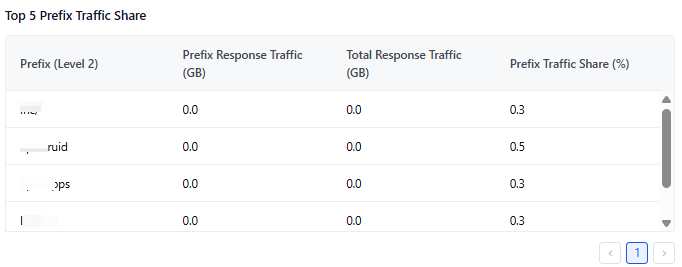
Display the proportion of access data volume for a specified prefix, including prefix response traffic, total response traffic, prefix traffic proportion, and more.
Display the read/write ratio by bandwidth, including write traffic, read traffic, total request traffic, total response traffic, write traffic proportion, read traffic proportion, and more.

Display the read/write ratio by request count, including total requests, read requests, write requests, write request proportion, read request proportion, and more.

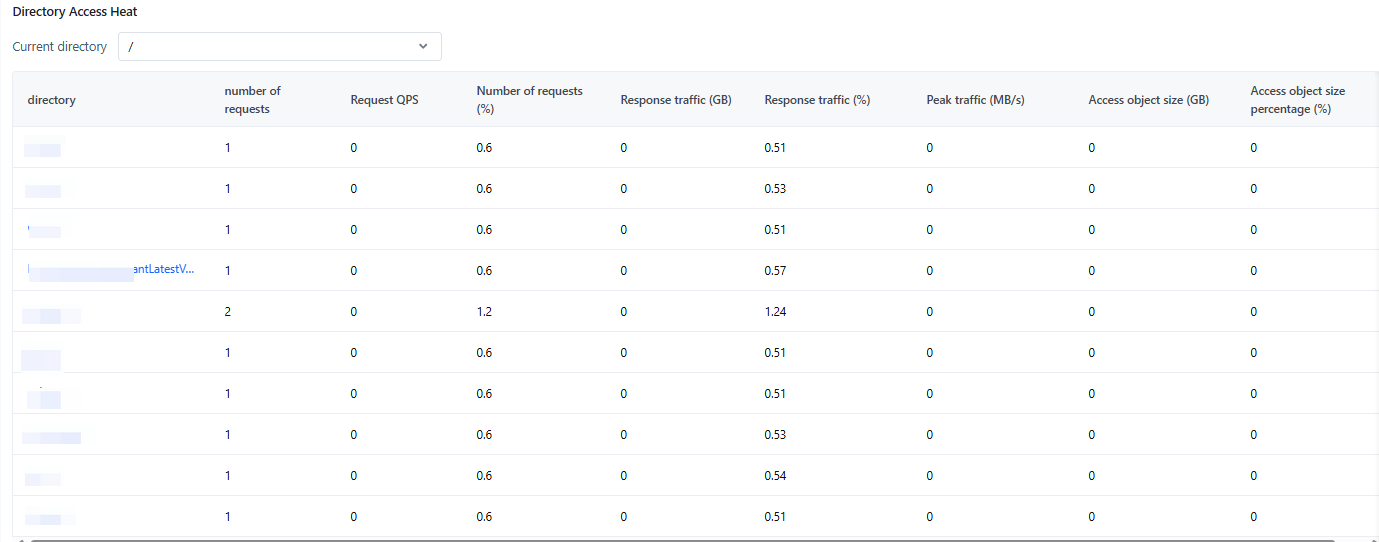
Display directory access popularity under a specified directory path (click the directory name for drill-down analysis), including directory details, request count, request QPS, request proportion, response traffic, response traffic proportion, peak traffic, accessed object size, accessed object size proportion, and more.
Display relevant metrics under a specified (custom input) prefix, including request count, peak traffic, response traffic, accessed object size, and more.

Access analysis
The following access analysis charts are displayed for the specified region, bucket, and date.
Display the current data and the trend compared to the previous period, including upload data volume, download data volume, deletion data volume, PV, and UV.

Display the distribution of the Top 1000 upload data volumes.
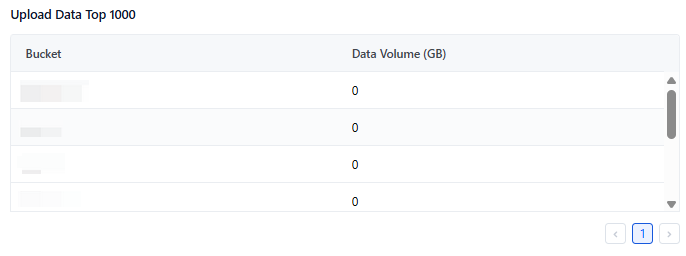
Display the distribution of the Top 1000 download data volumes.
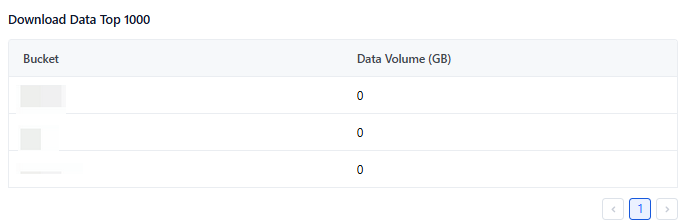
Display the distribution of the Top 1000 deletion data volumes.
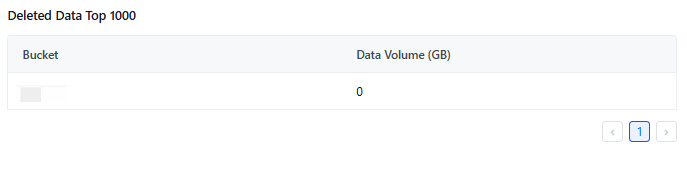
Display the distribution of the Top 1000 Referer requests.
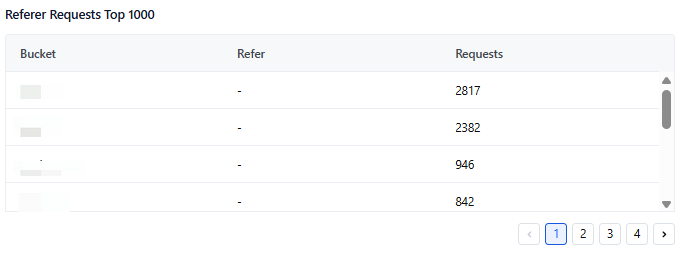
Display the distribution of the Top 1000 client accesses.
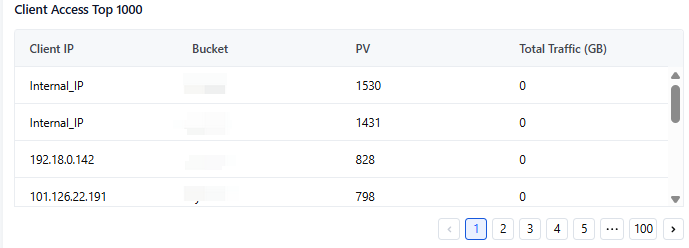
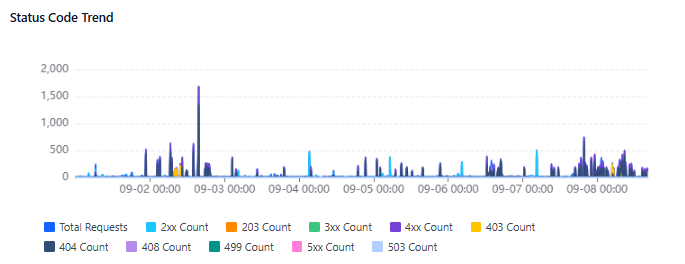
Display the trend of each status code, including the trend of total request count and status codes such as 2xx and 3xx.
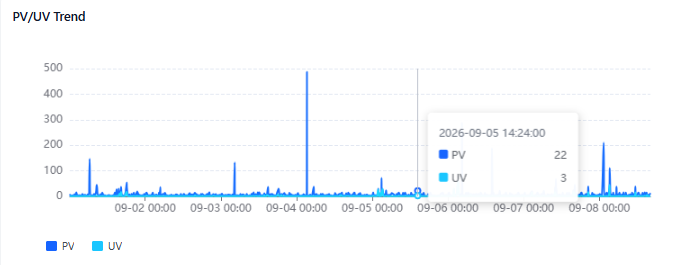
Display PV/UV trend.
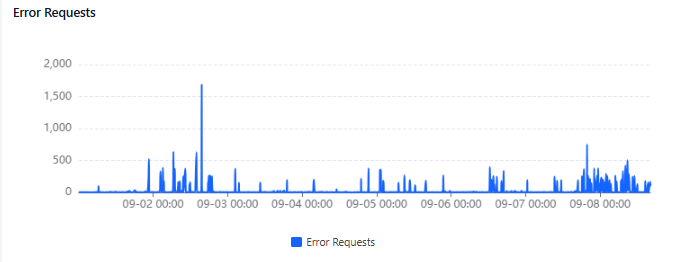
Display error access count.
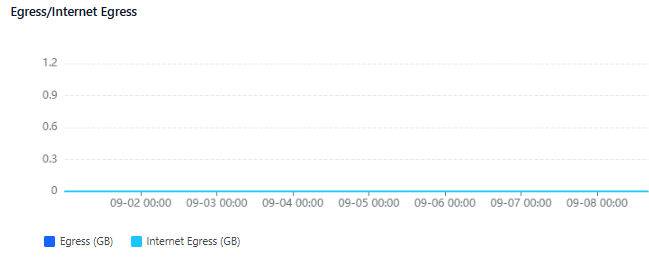
Display the distribution of outbound traffic/external network outbound traffic.
Display the trend of mirror origin status codes.
Display the distribution of the Top 1000 file access statistics.

Security analysis
The following security analysis charts are displayed for the specified region, bucket, and date.
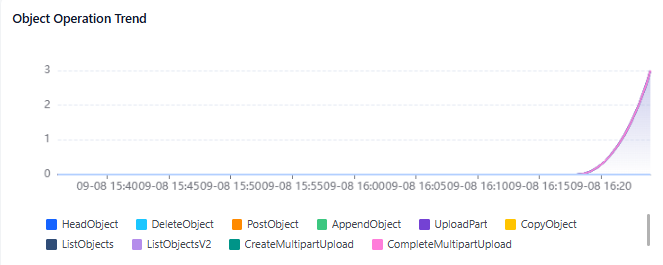
Display file operation trends, including HeadObject, DeleteObject, PostObject, and other operations.
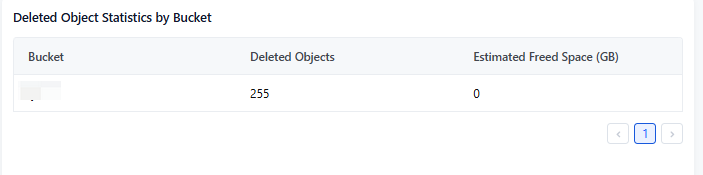
Display statistics on file deletions in storage buckets, including the number of deleted files in each bucket and the estimated deleted space.
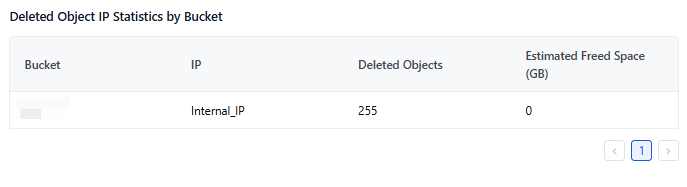
Display IP statistics for file deletions in storage buckets, including the number of deleted files in each bucket, the estimated deleted space, and the corresponding IP.
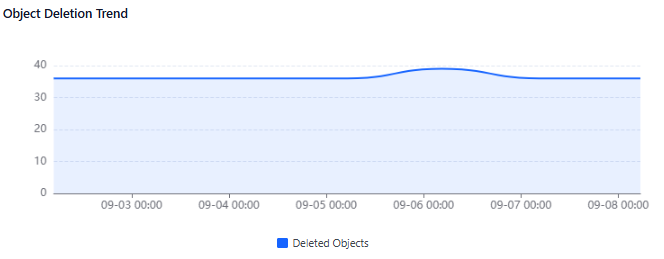
Display the trend in the number of file deletions.
Query and analysis
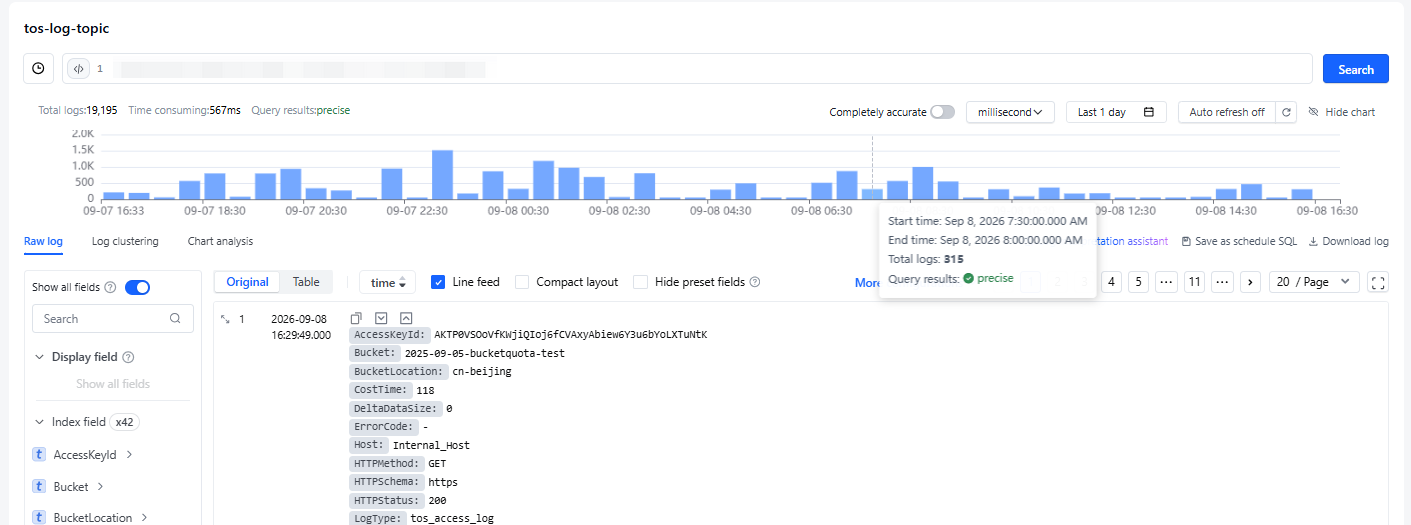
Go to the query and analysis page for log topics, and customize your query for the relevant log topic.
For details on how to use query and analysis statements, syntax introduction, and more, see Log analysis.
Last updated: 2026.09.08 17:53:06
All rights reserved © Beijing Volcano Engine Technology Co., Ltd2024
